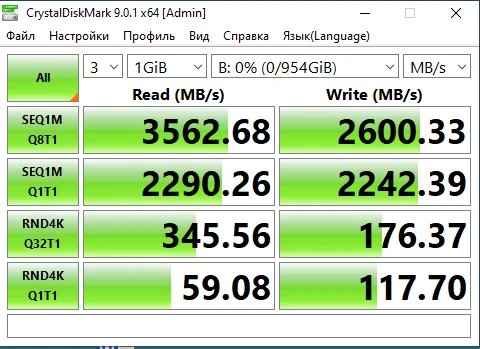
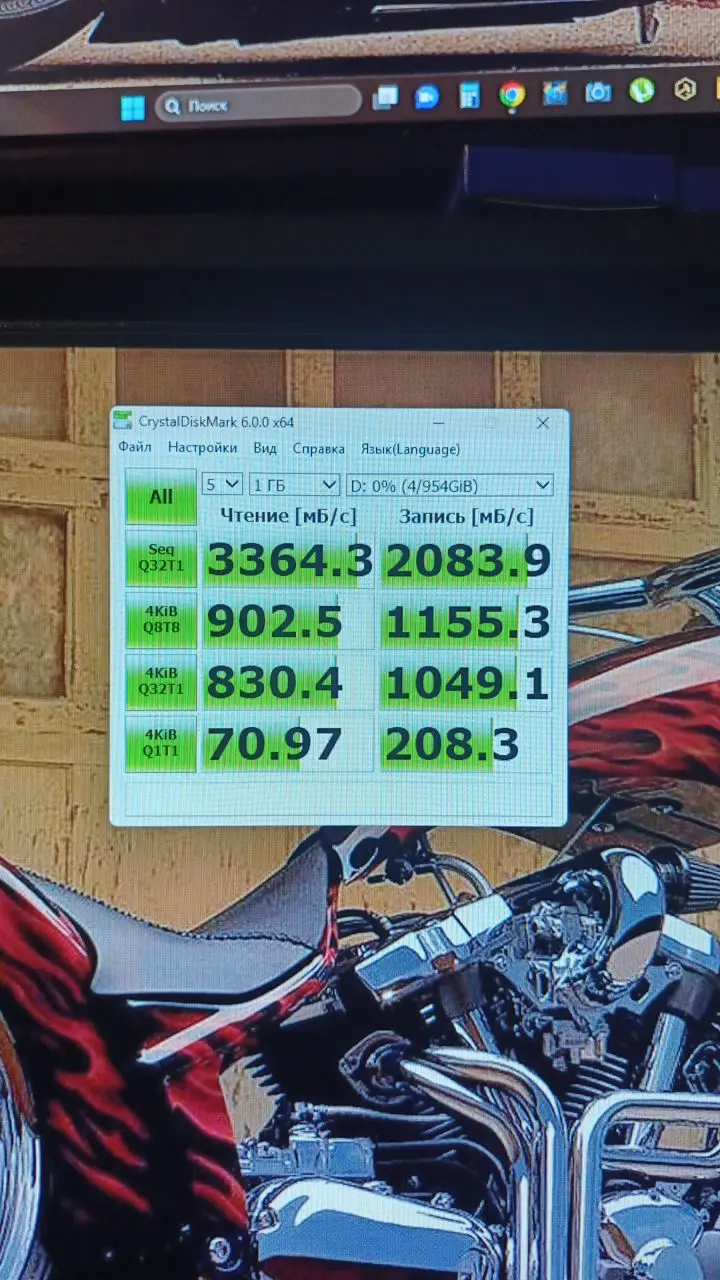
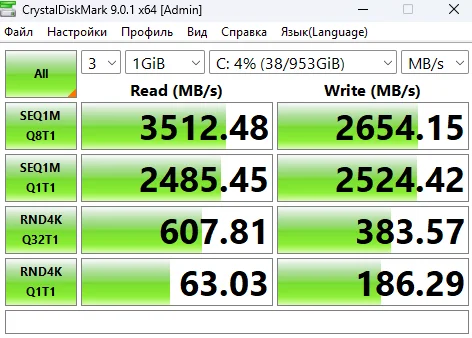
Everything is great! The NVMe arrived in 15 days. I installed Windows 11 on it, and everything works perfectly. The speed matches the stated specifications, I am attaching screenshots.
Thank you)
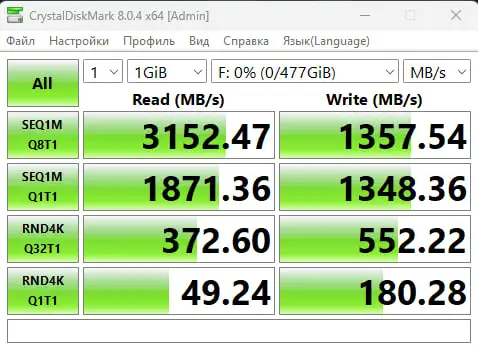
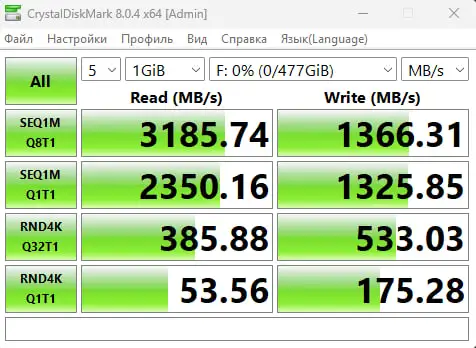
Delivered quickly, not even 2 weeks passed! I really don't understand why the speed doesn't match, maybe it's an old motherboard. The box arrived intact and not dented, overall I recommend it 👍
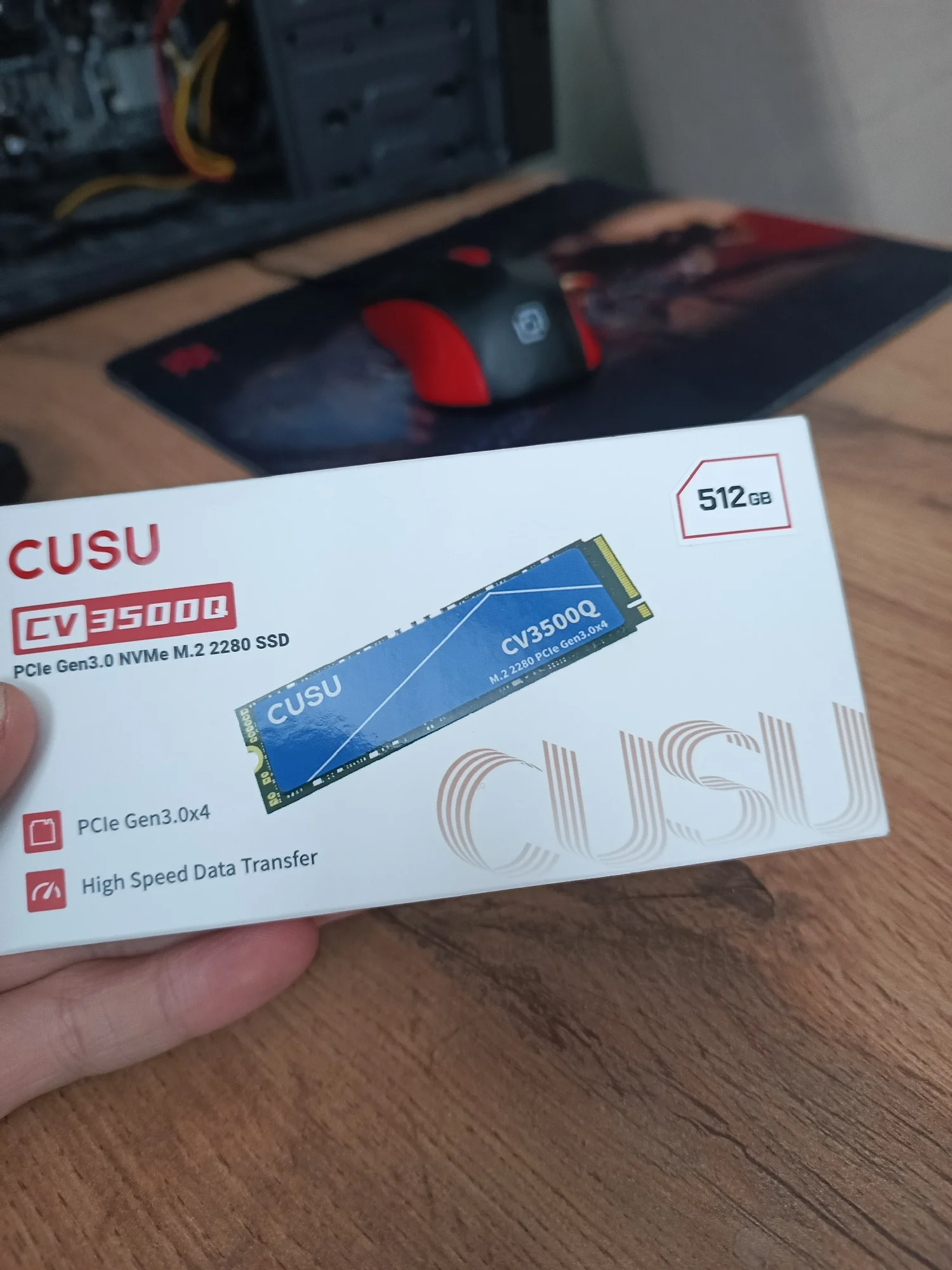
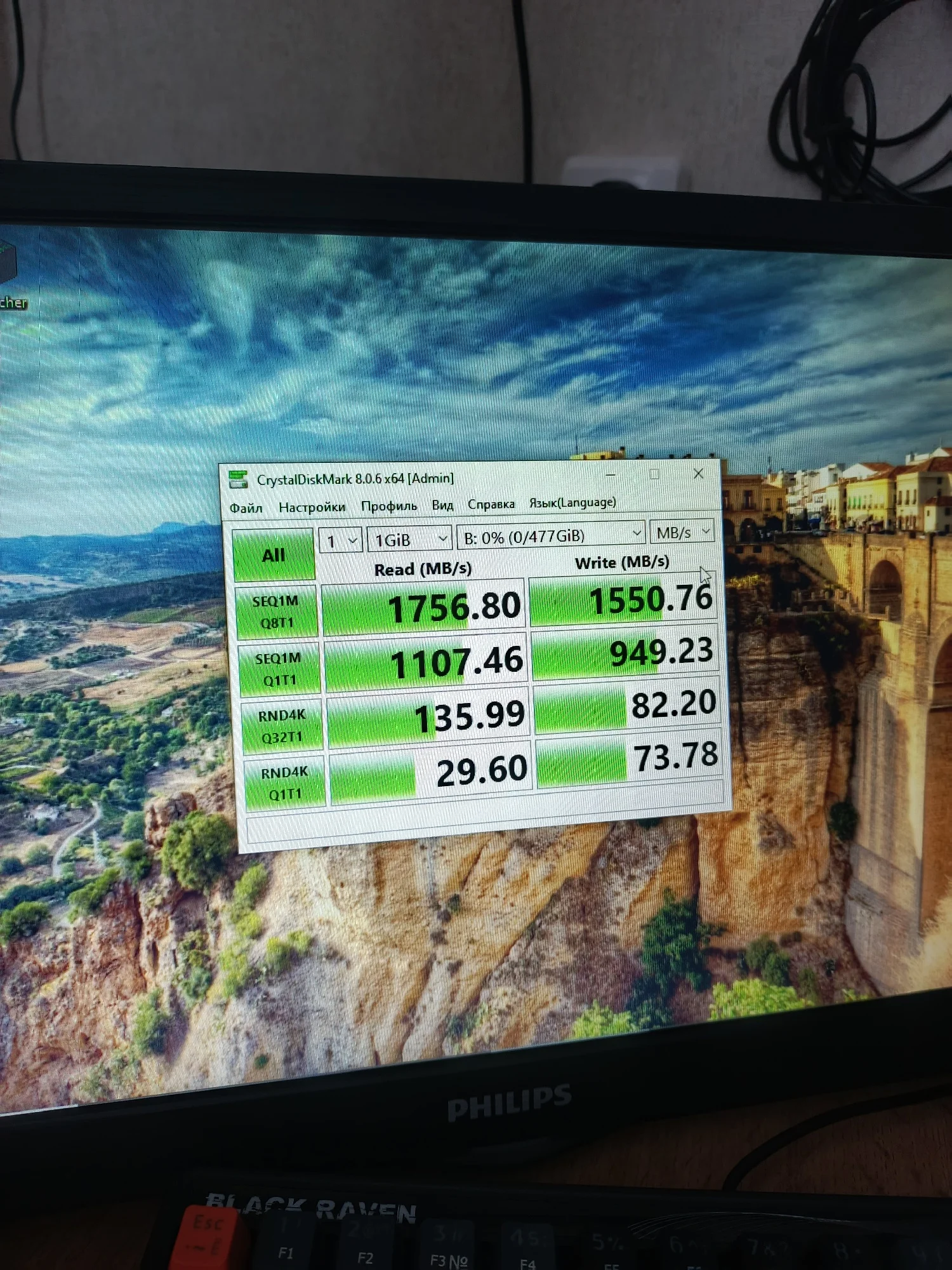
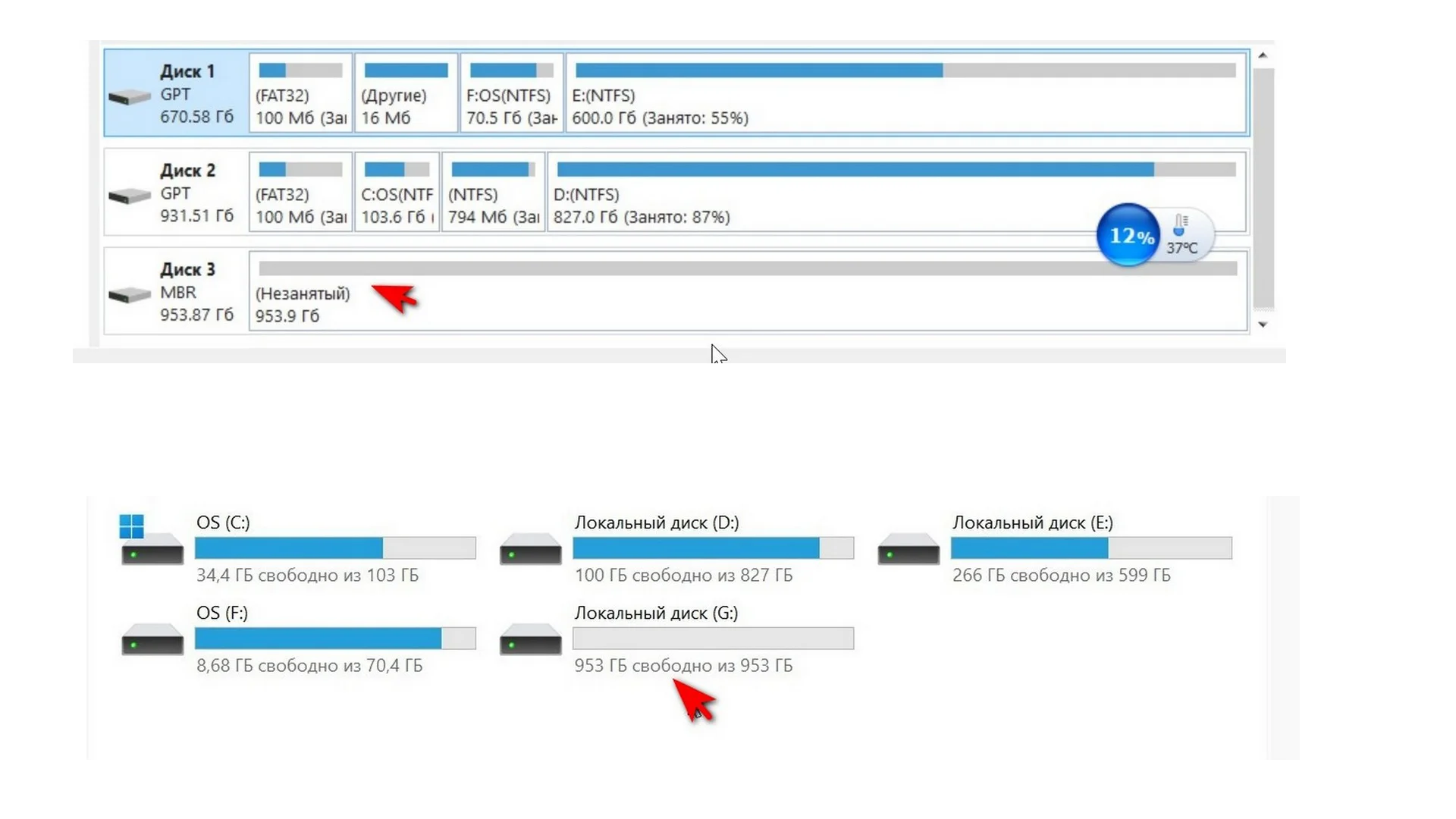
I was afraid that the disk would either arrive damaged or not working. But everything is fine. The disk maintains its speed. So far, everything is great. It arrives unformatted. You need to assign a letter to the disk by creating a disk partition. So don't be alarmed if the disk doesn't appear at first launch. You need to find it through the disk partitions and create a partition. Then assign a letter to the disk. And everything will work.
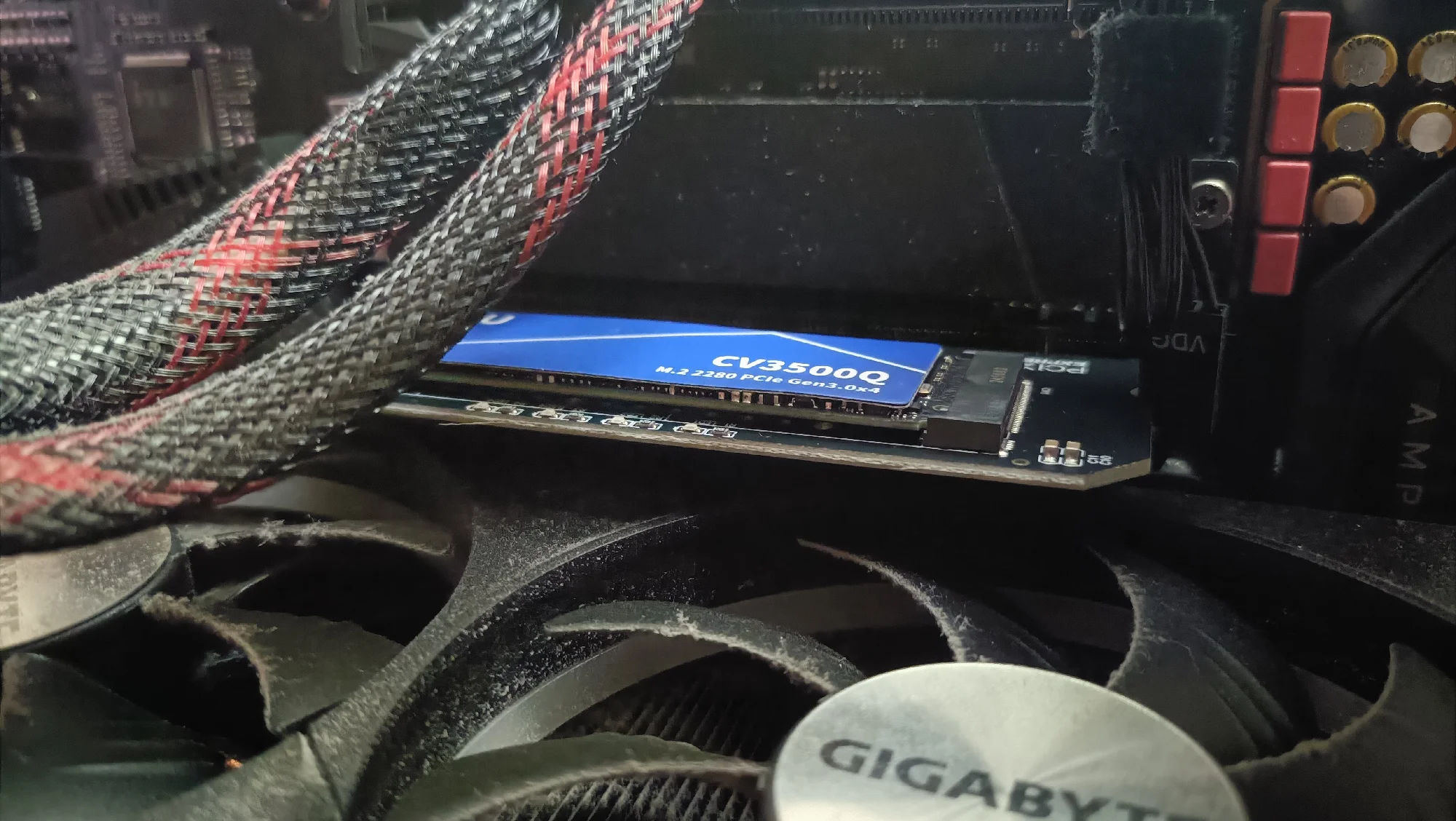
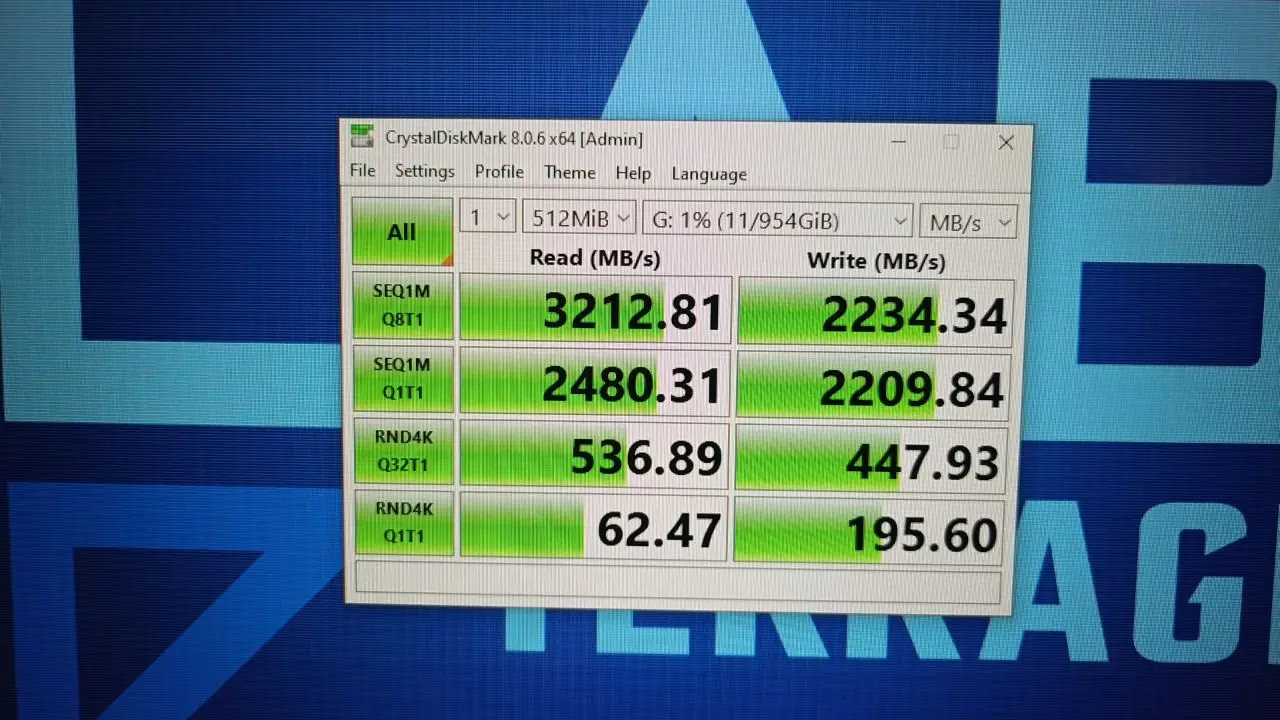
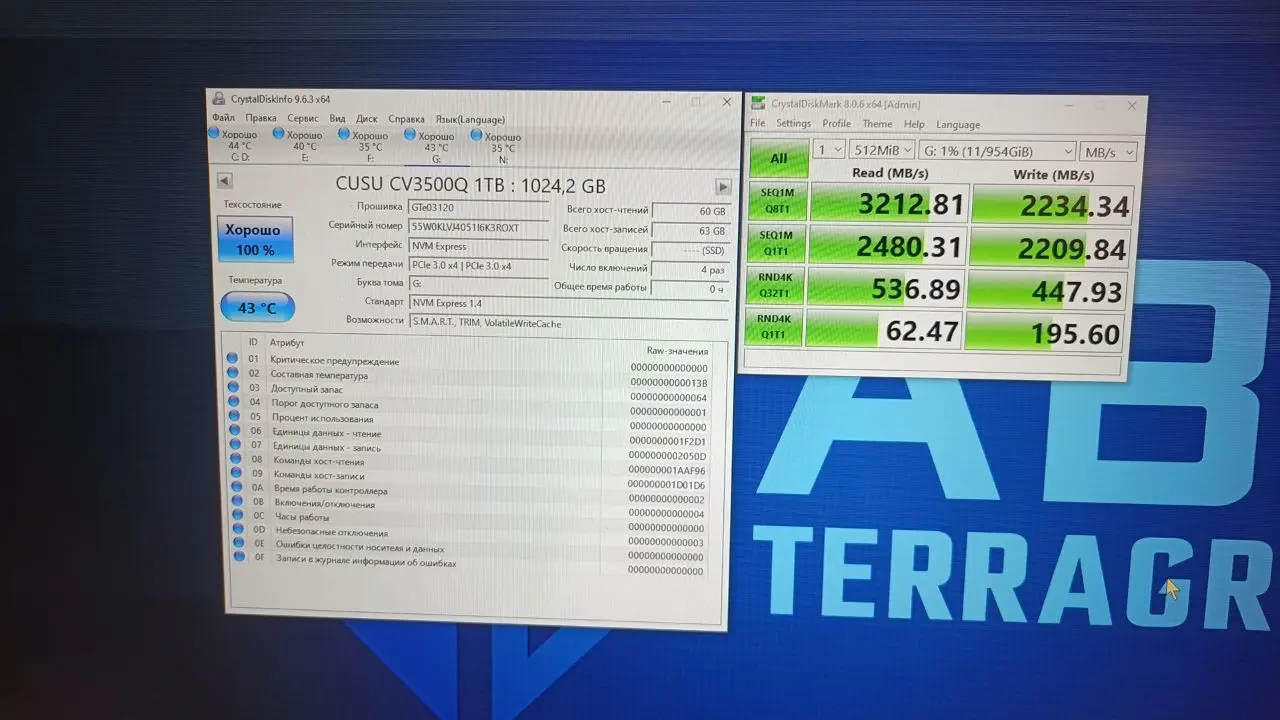
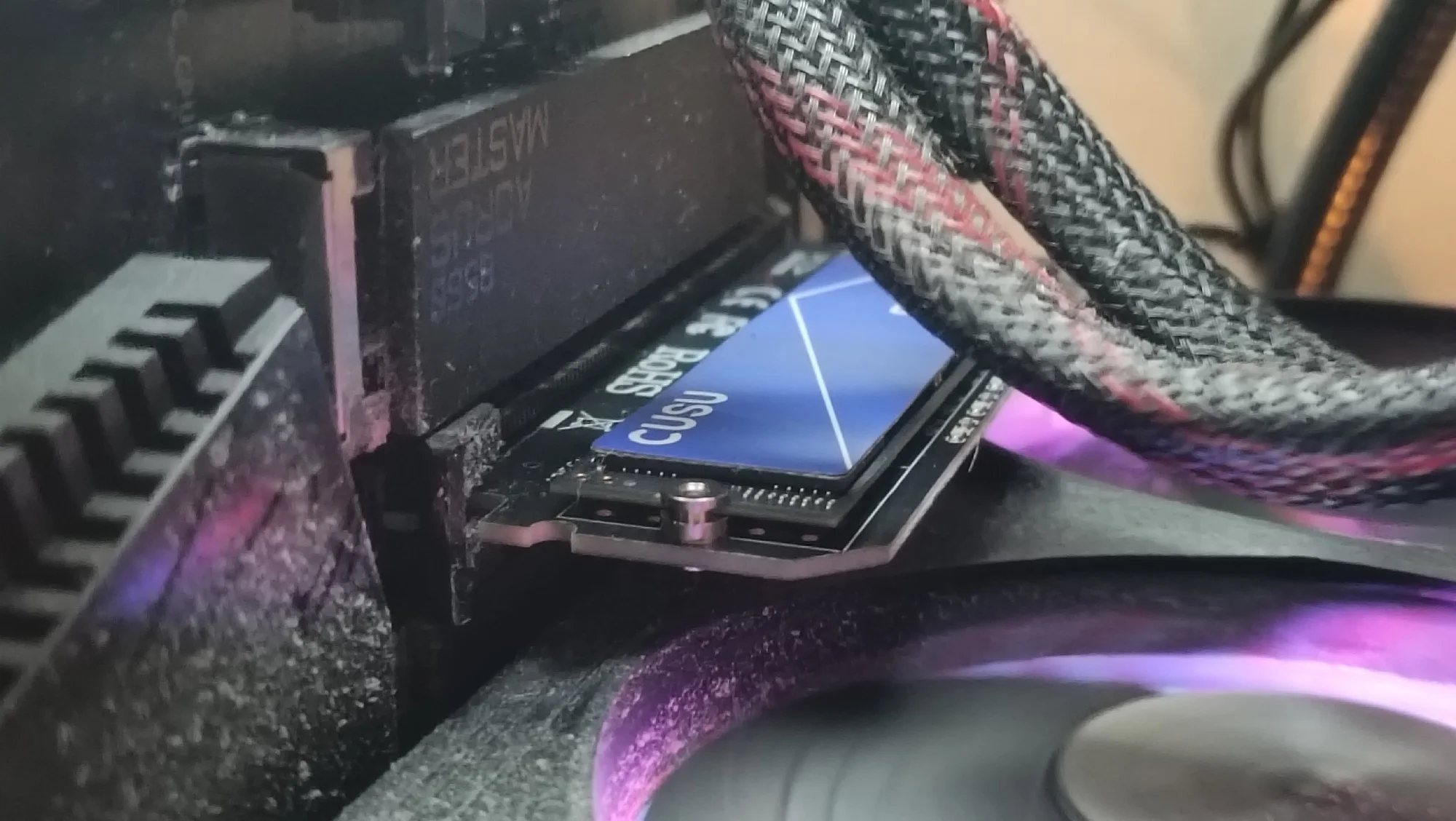
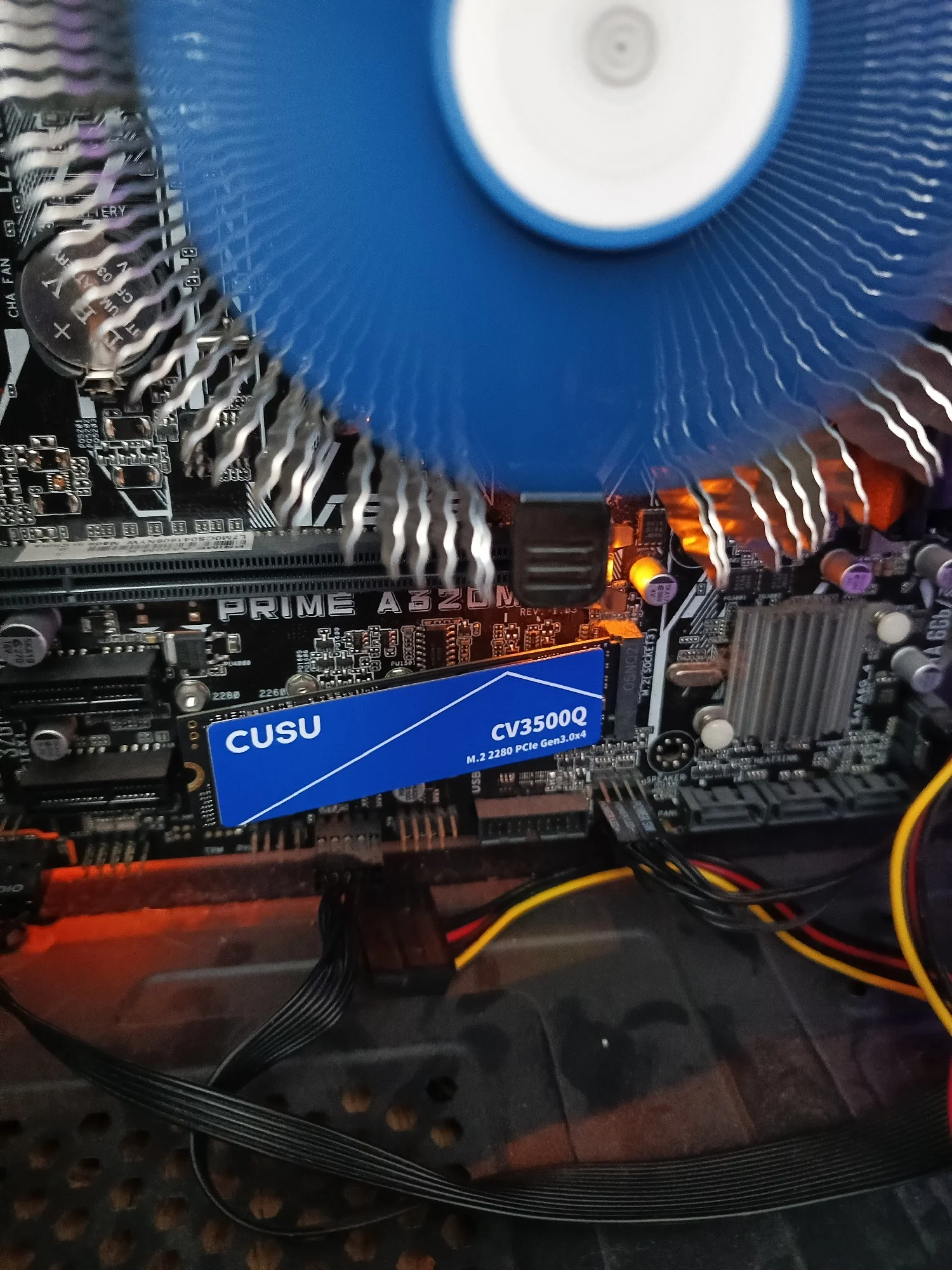
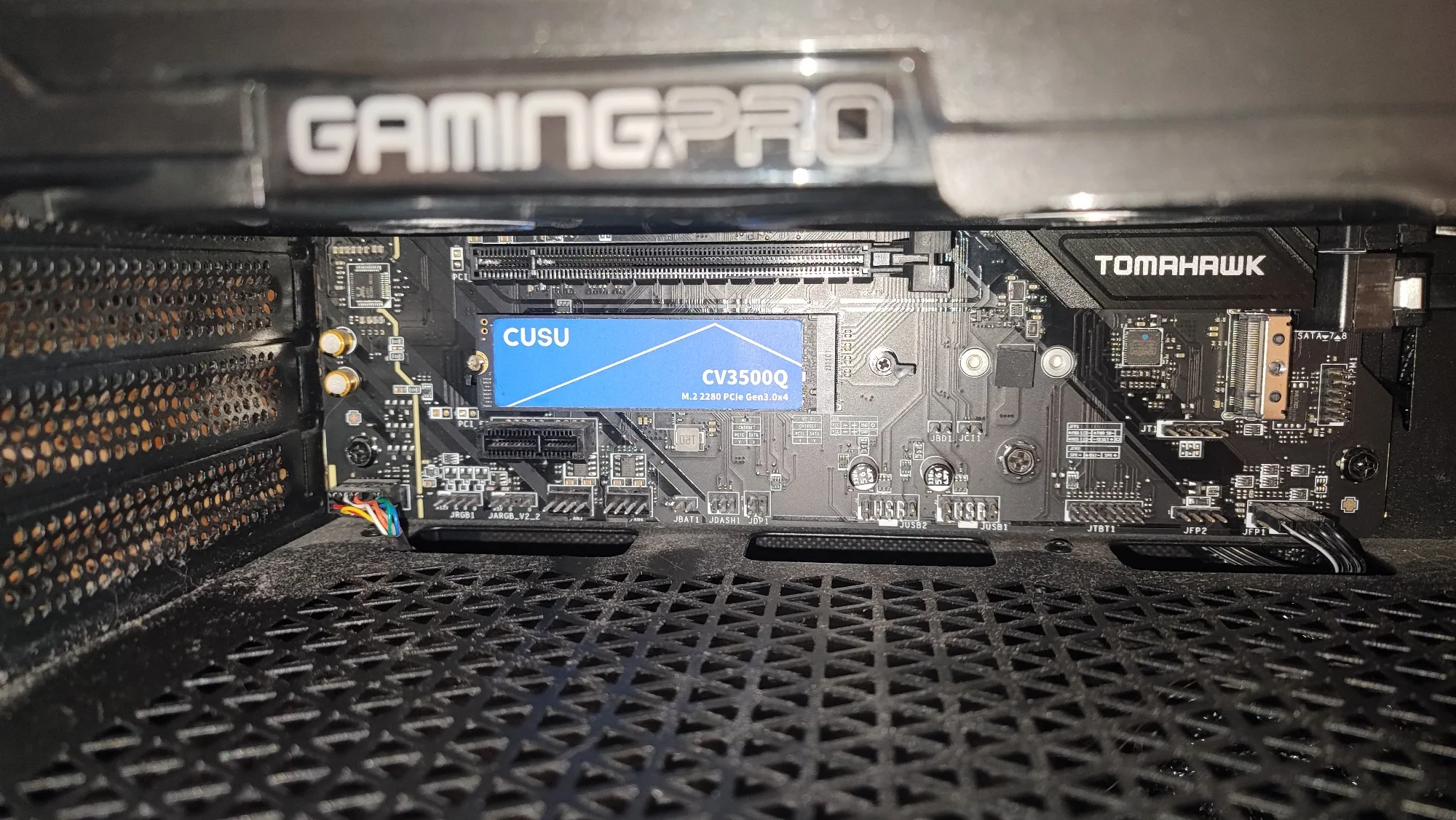
So far it's working perfectly, I installed Windows 11 on it, attached a heatsink, the temperature didn't go above 40 degrees, we'll see how long it lasts. I didn't measure the speed, but I can say it's much faster than a regular SSD.
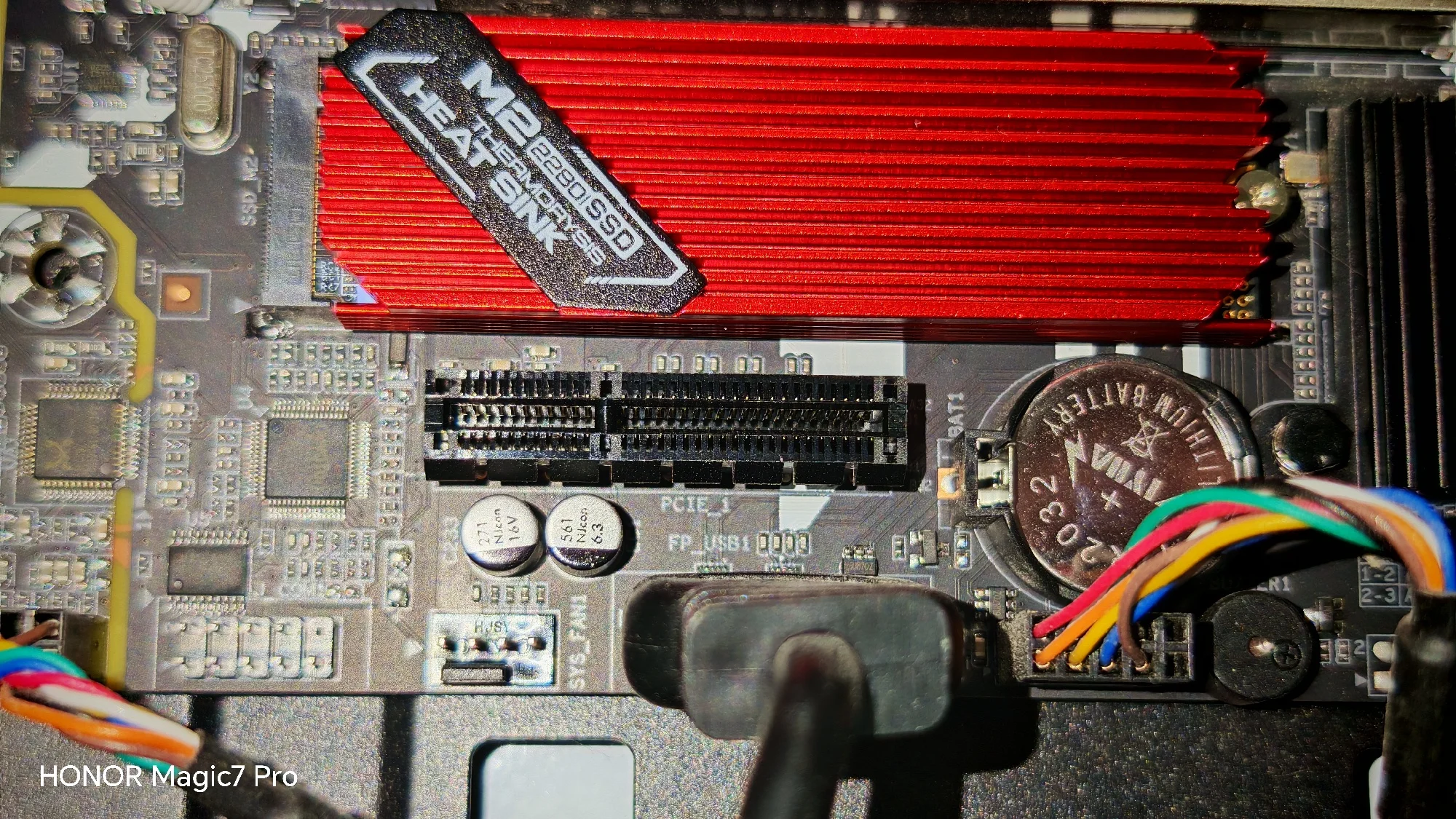
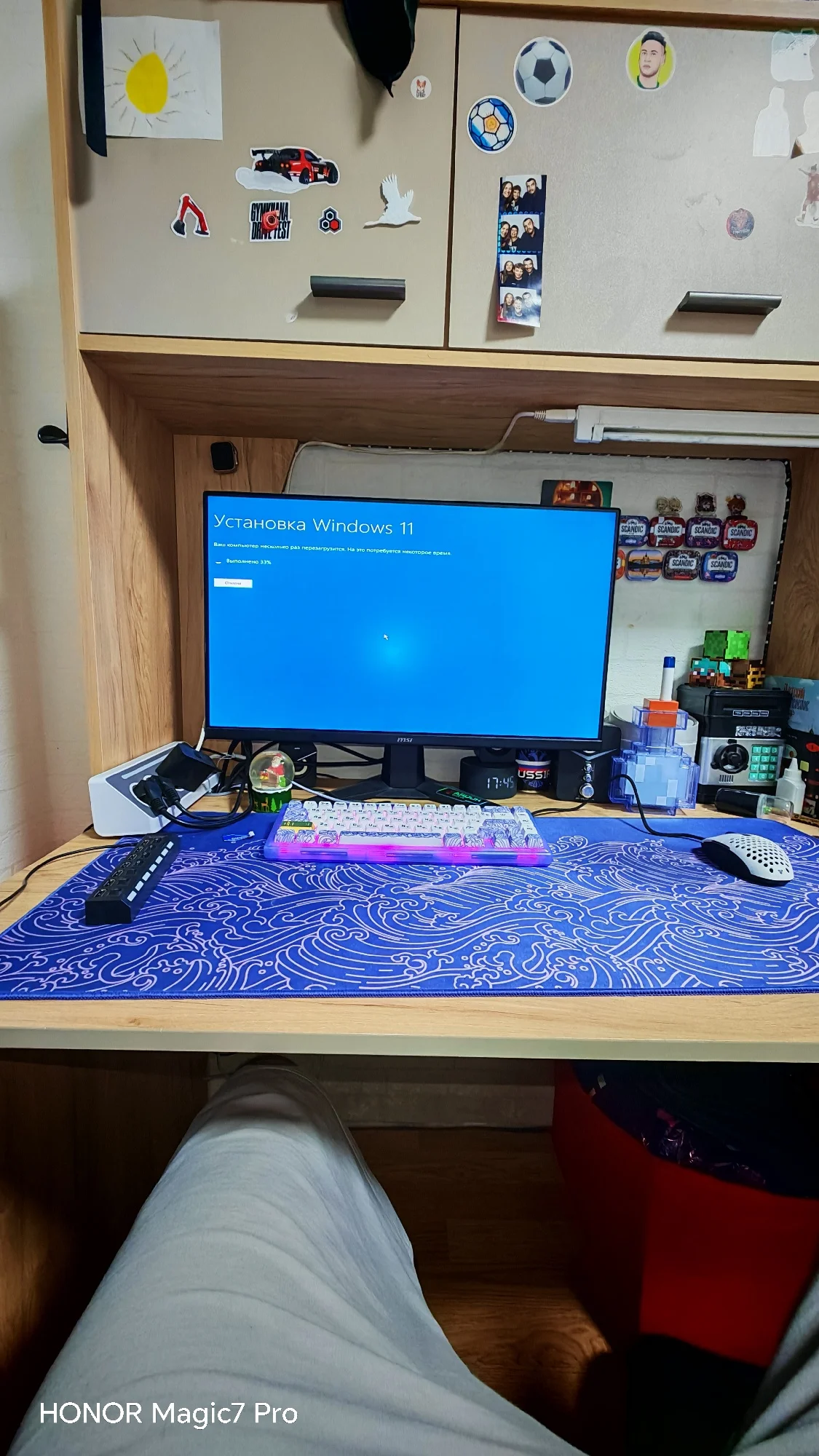
I tested the speed, capacity, and operating time. The disks are new, the speed is gen 3, which doesn't quite match, but for my needs it's fine. I'm satisfied, I saved quite a bit despite the price increase. I got 1TB for my PC, installed it in the motherboard, and bought a mobile case for 512GB to turn it into an external Type-C drive.
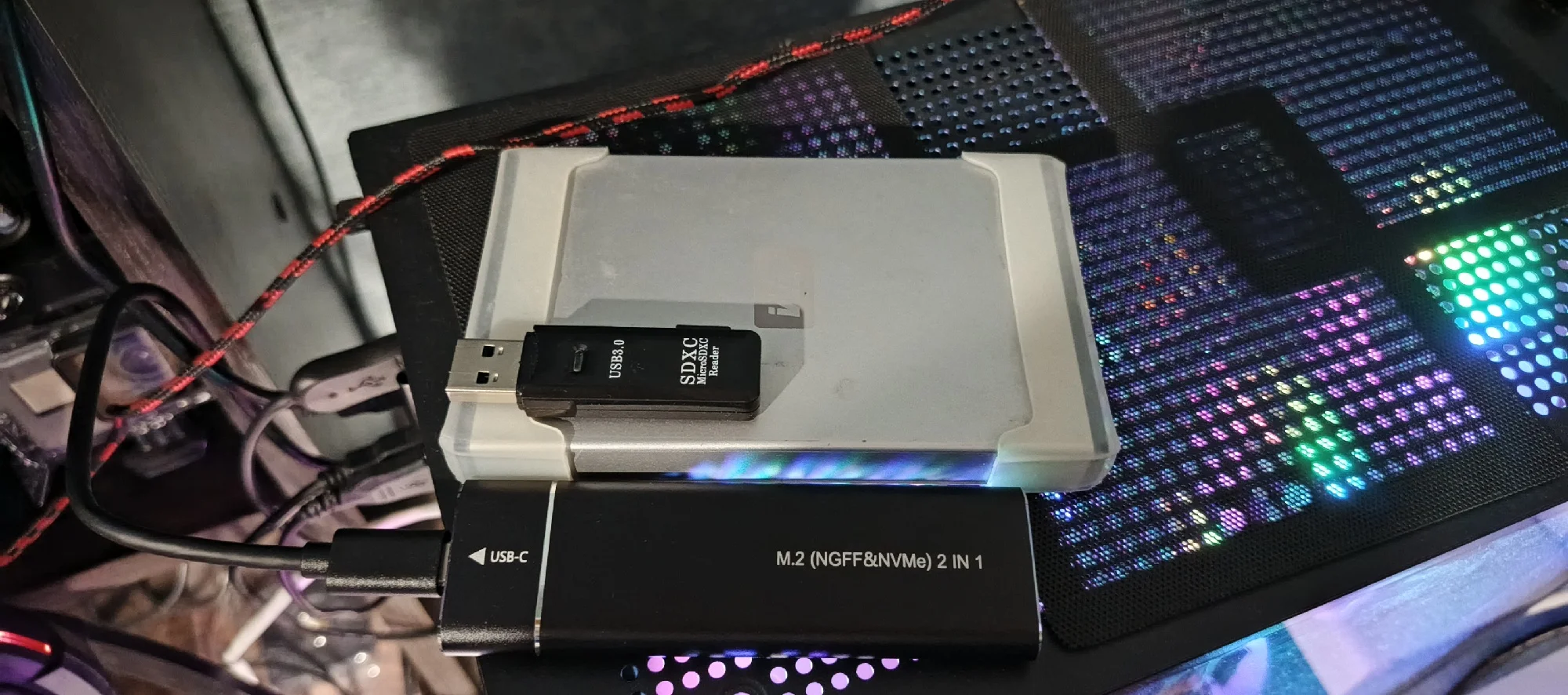
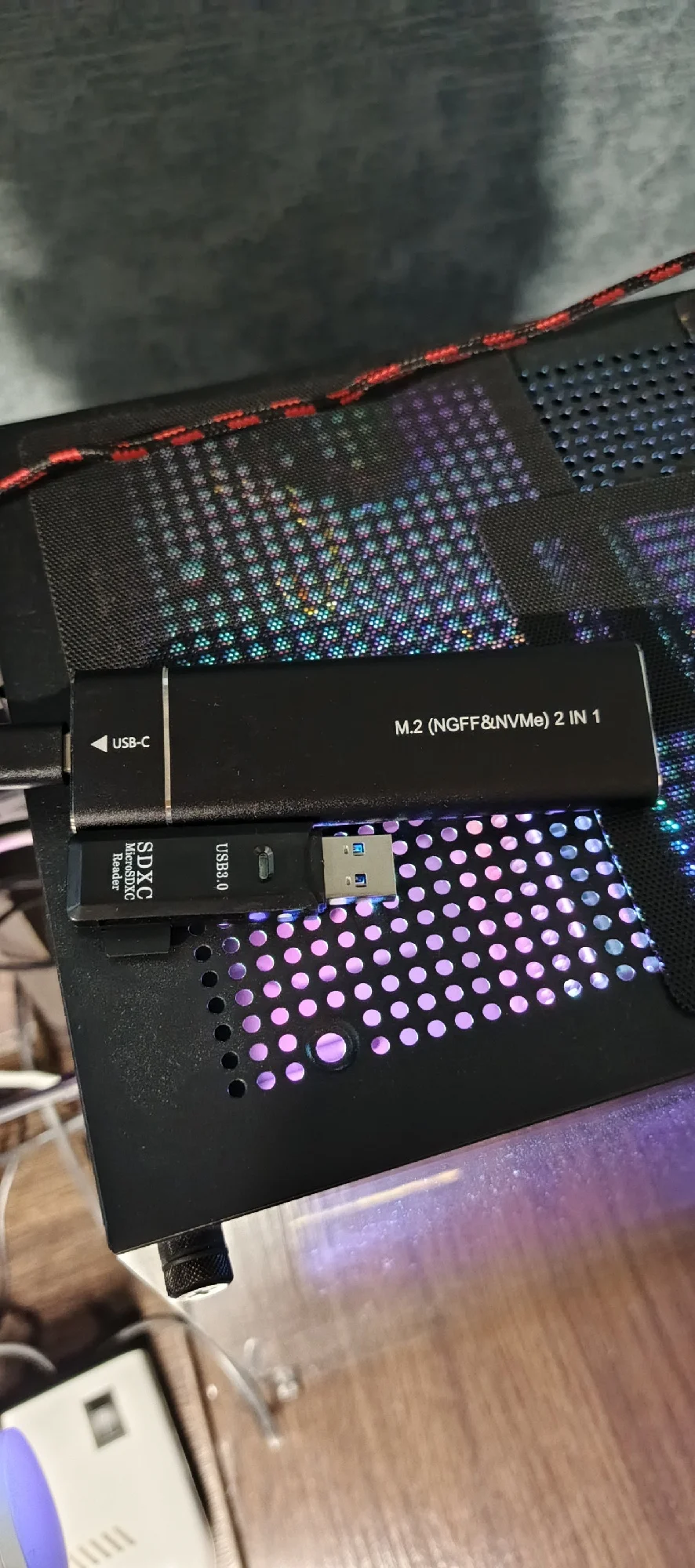
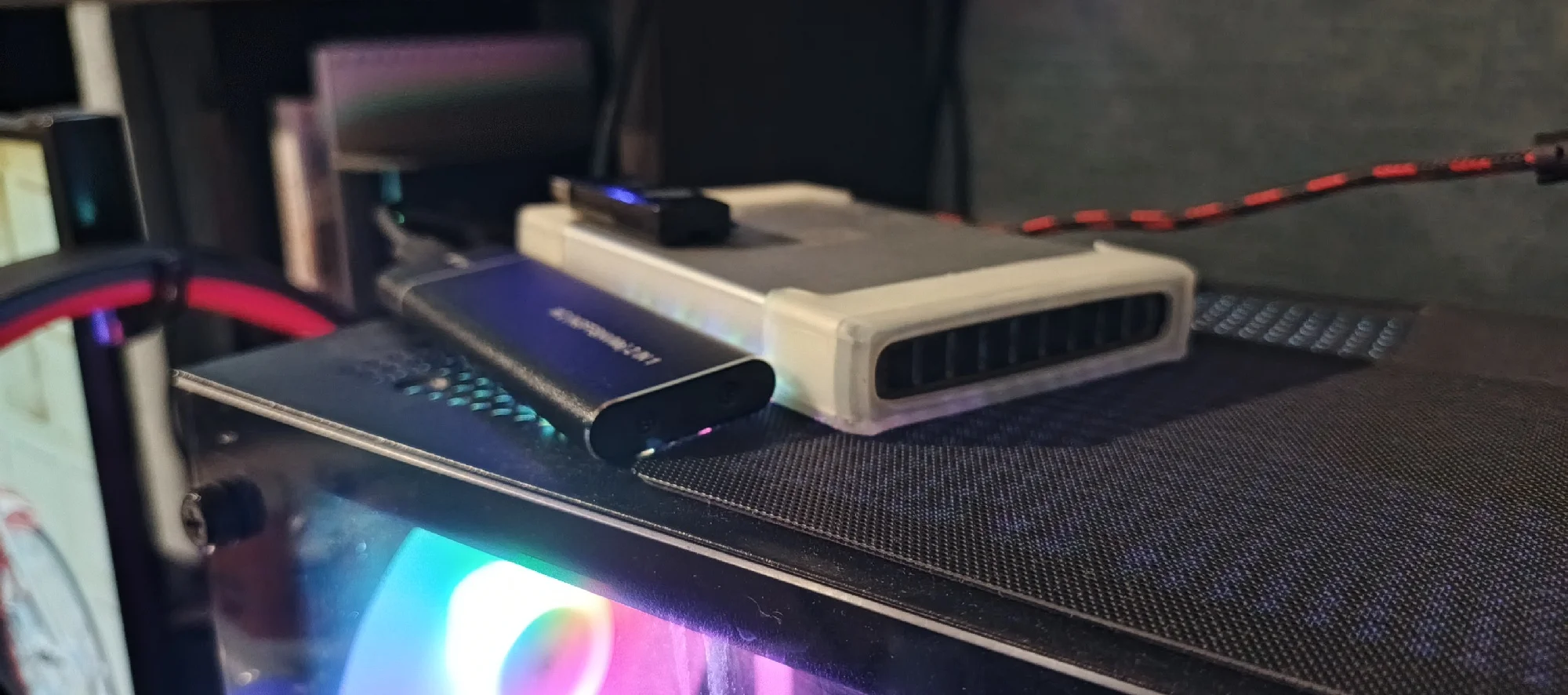
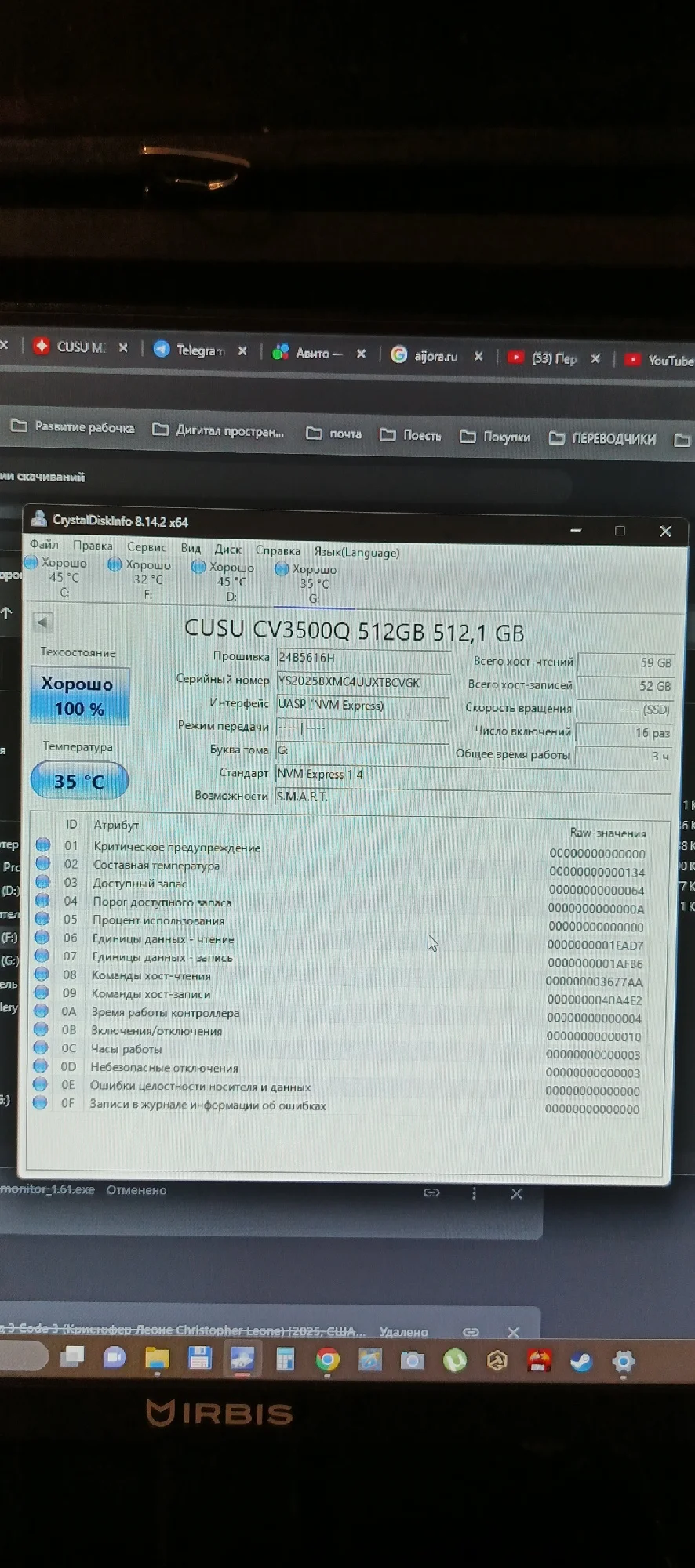
In today's reality, it's a good option in terms of price/quality.
Delivery to Izhevsk took 10 days.
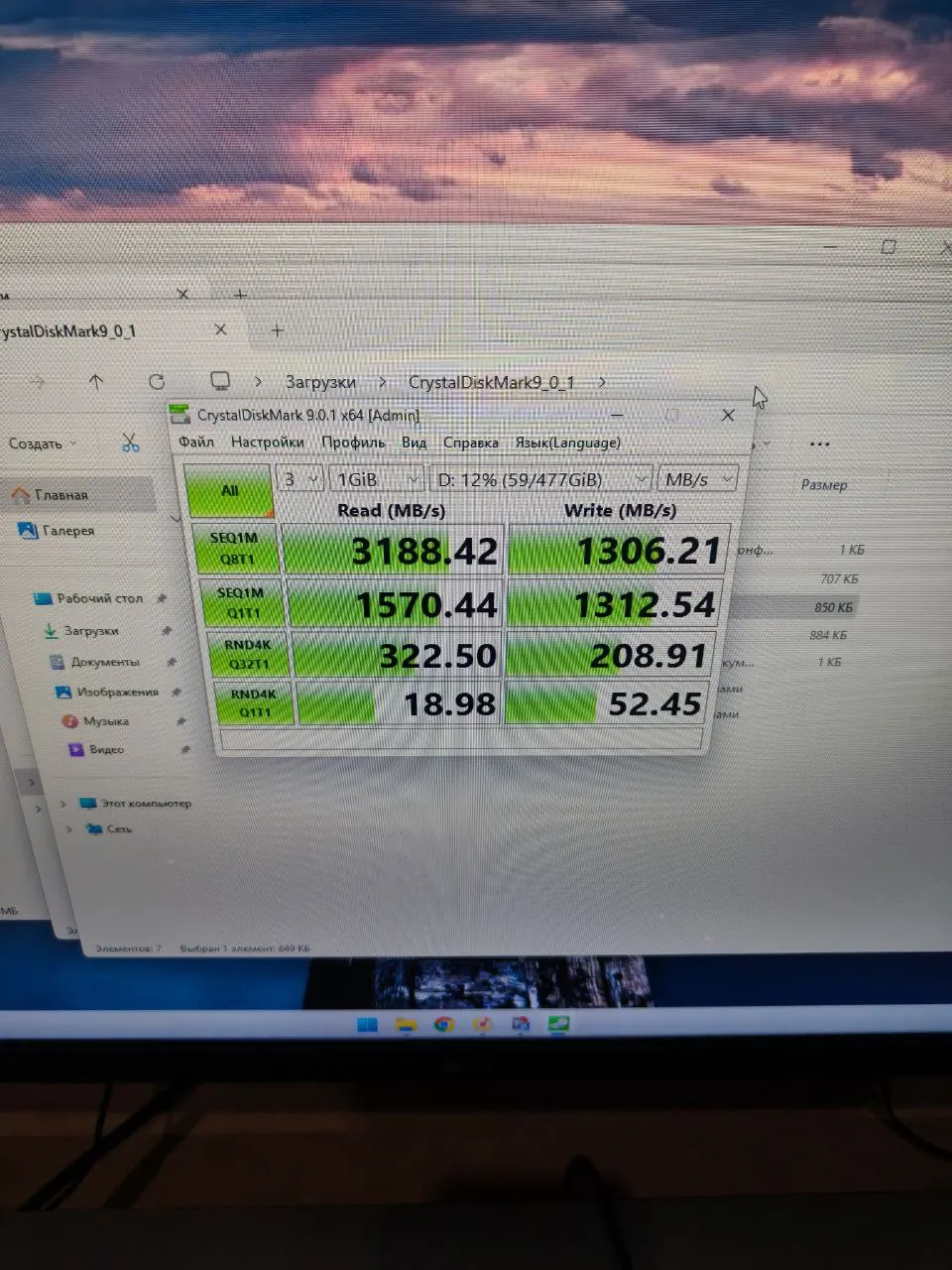
The package took quite a long time to arrive in Novosibirsk. I bought the SSD for 3500 Russian rubles (512GB version), which is very affordable by current standards. The SSD arrived working fine; I initialized it and cloned Windows without any problems. The speed and capacity are slightly lower than stated, but for the money, it works well enough. The memory is QLS as indicated; overall, I'm satisfied with the purchase.
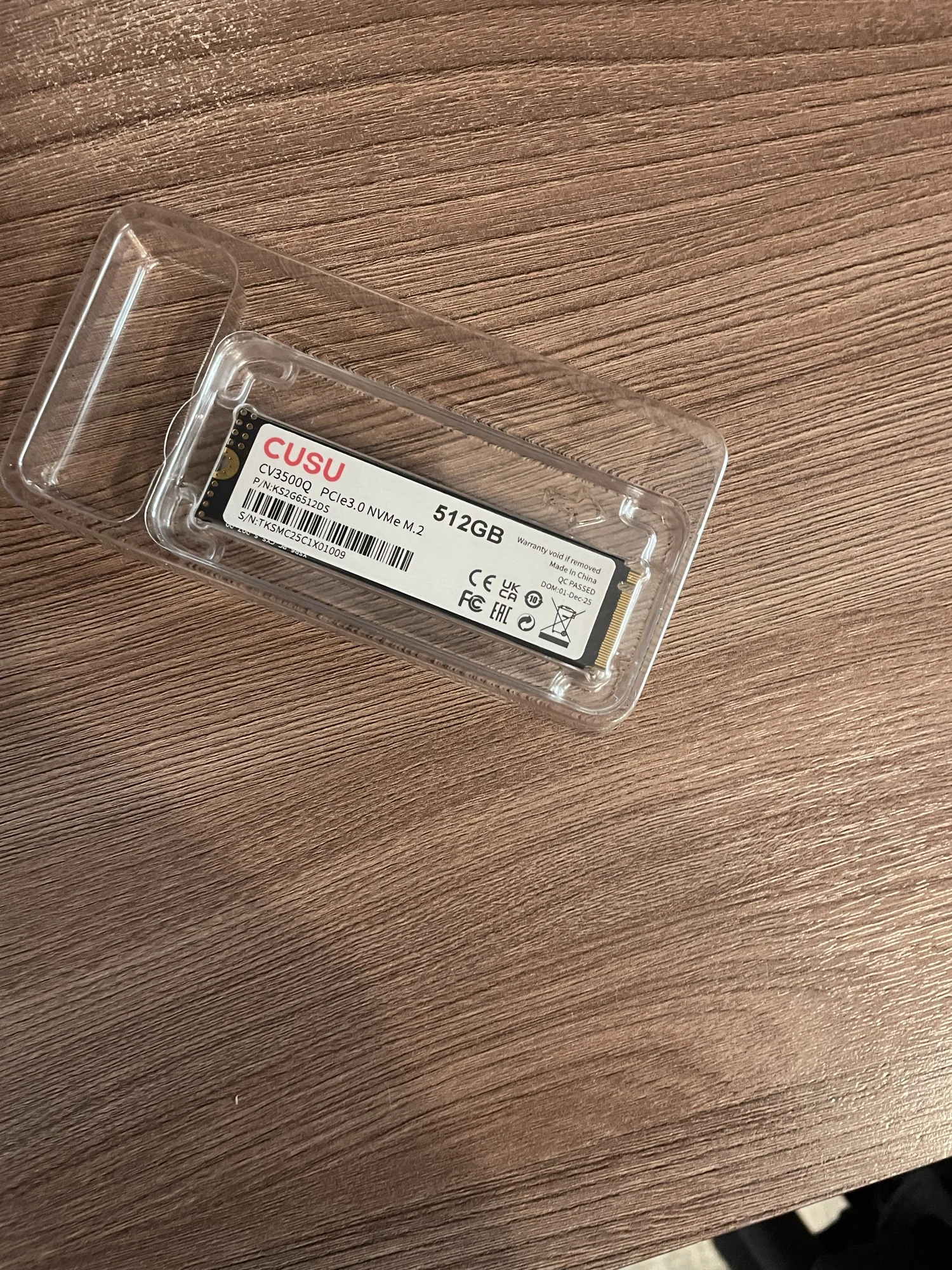
After a long time of dancing with the drum, it became clear that Windows does not recognize the SSD because there is an unmarked area on the disk. After marking and formatting, the final result was 953GB. I have not observed temperatures above 39°C so far. The speeds are very close to the stated ones.
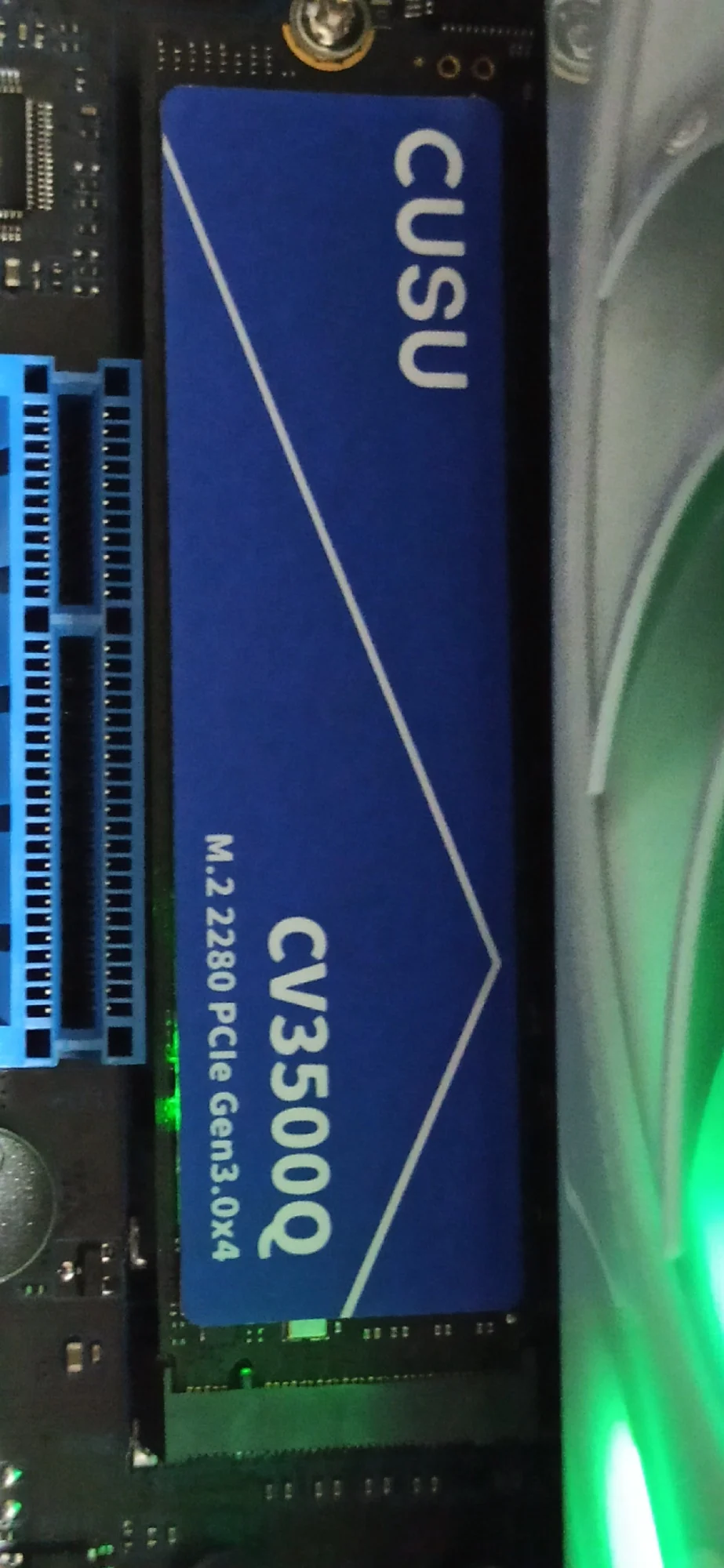
Excellent seller, excellent SSD!!! Everything matches, both the capacity and speed of the SSD! I initialized the SSD and installed Windows 11 - it's working great!
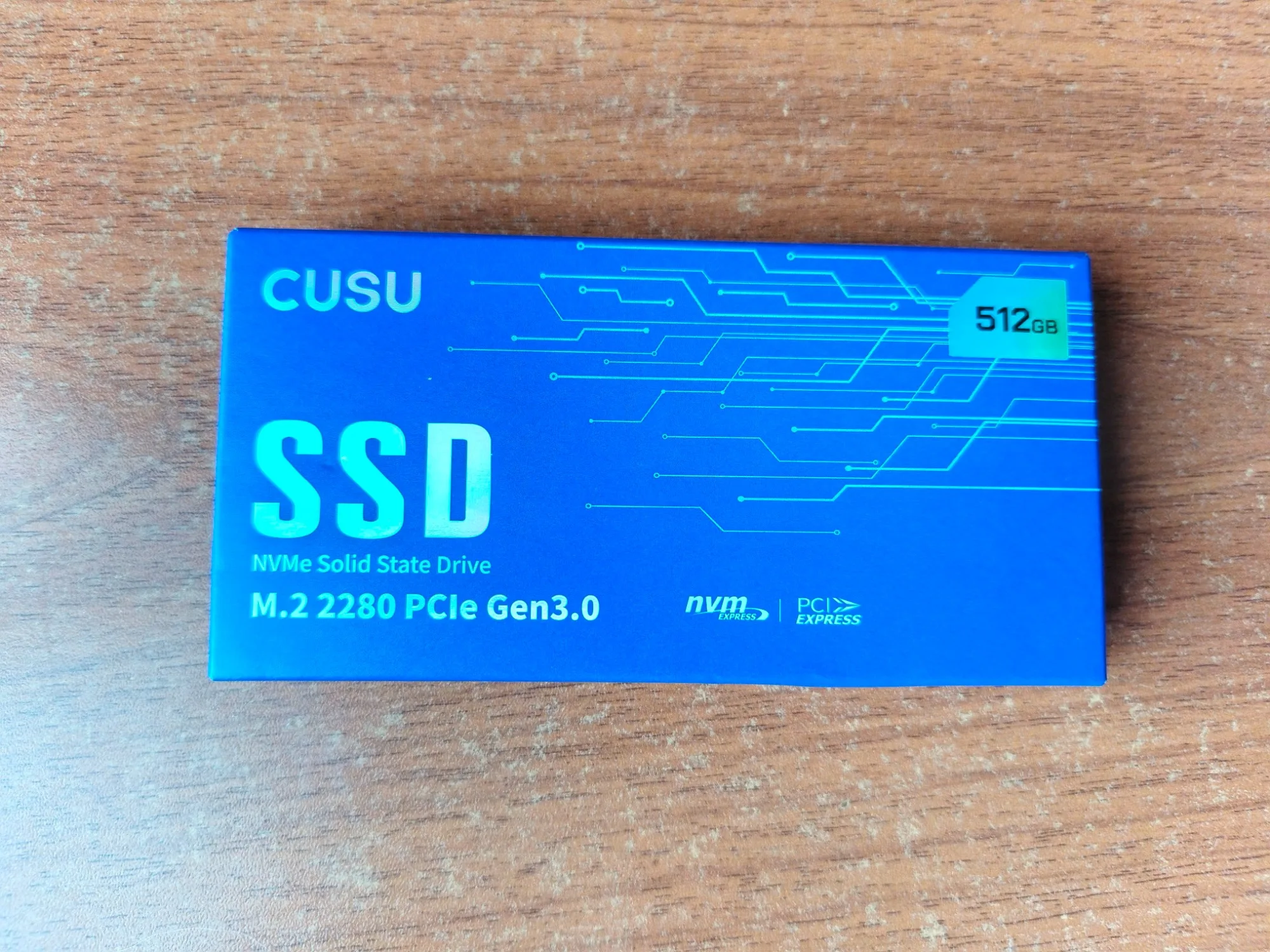
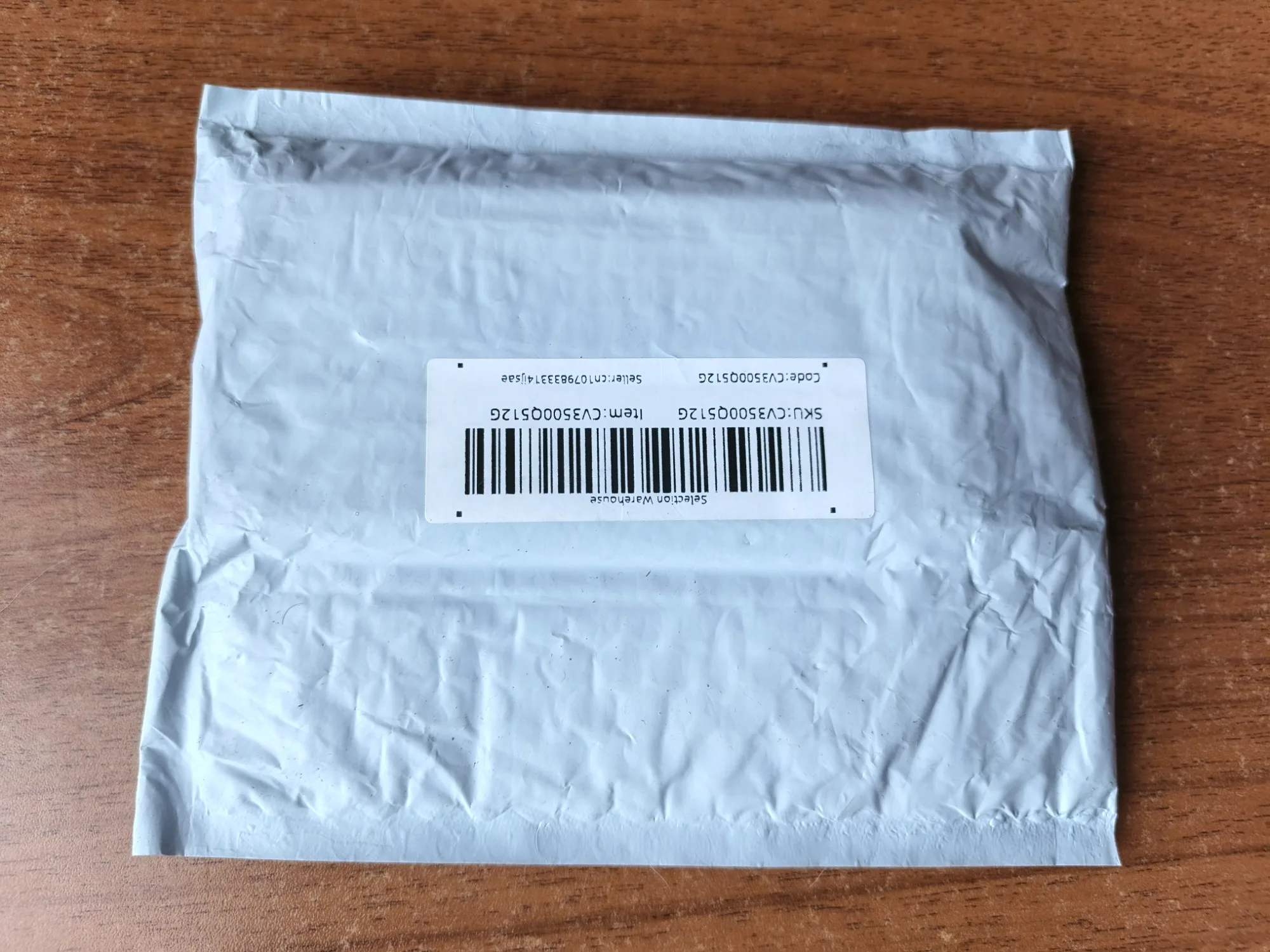
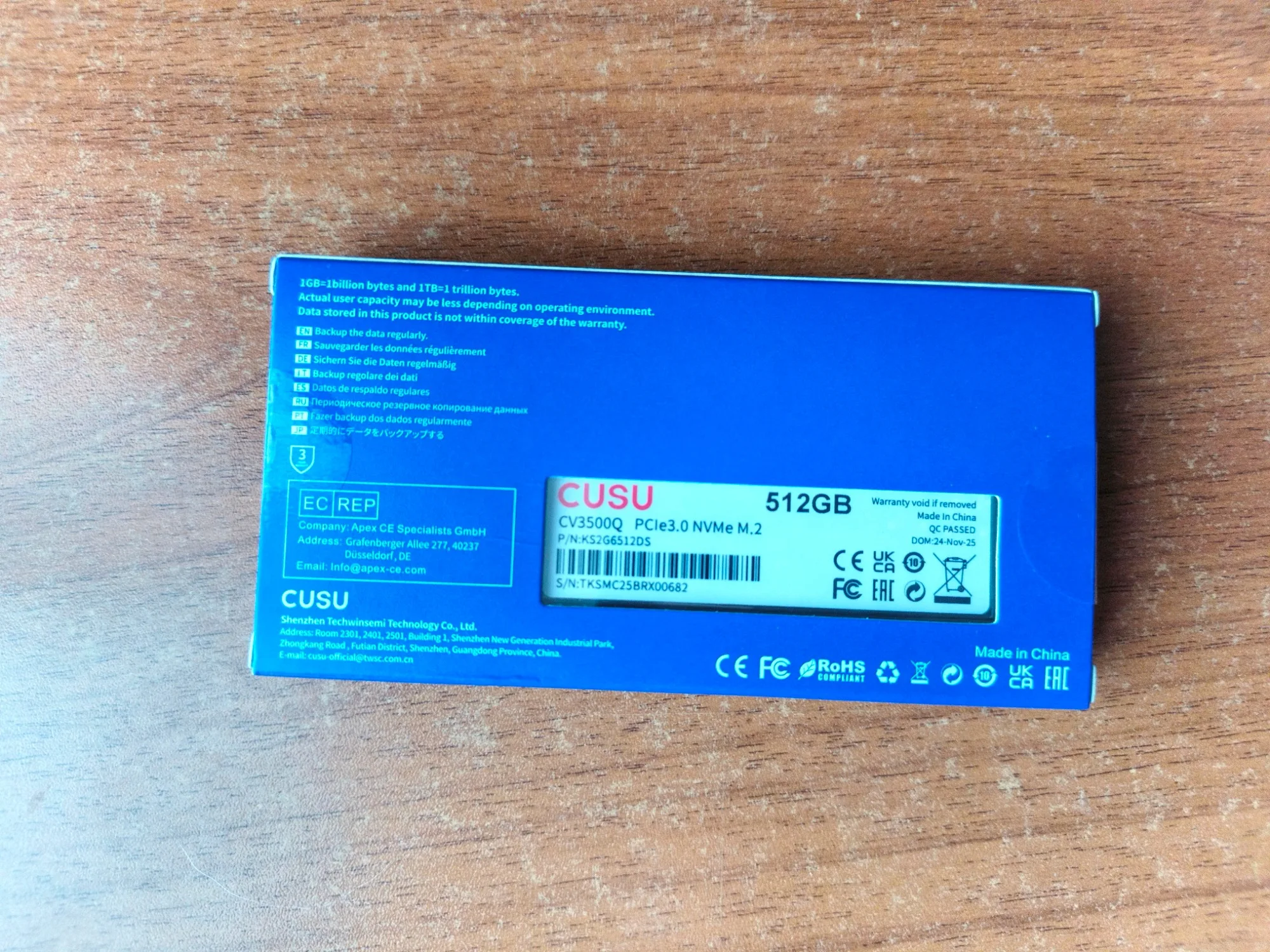
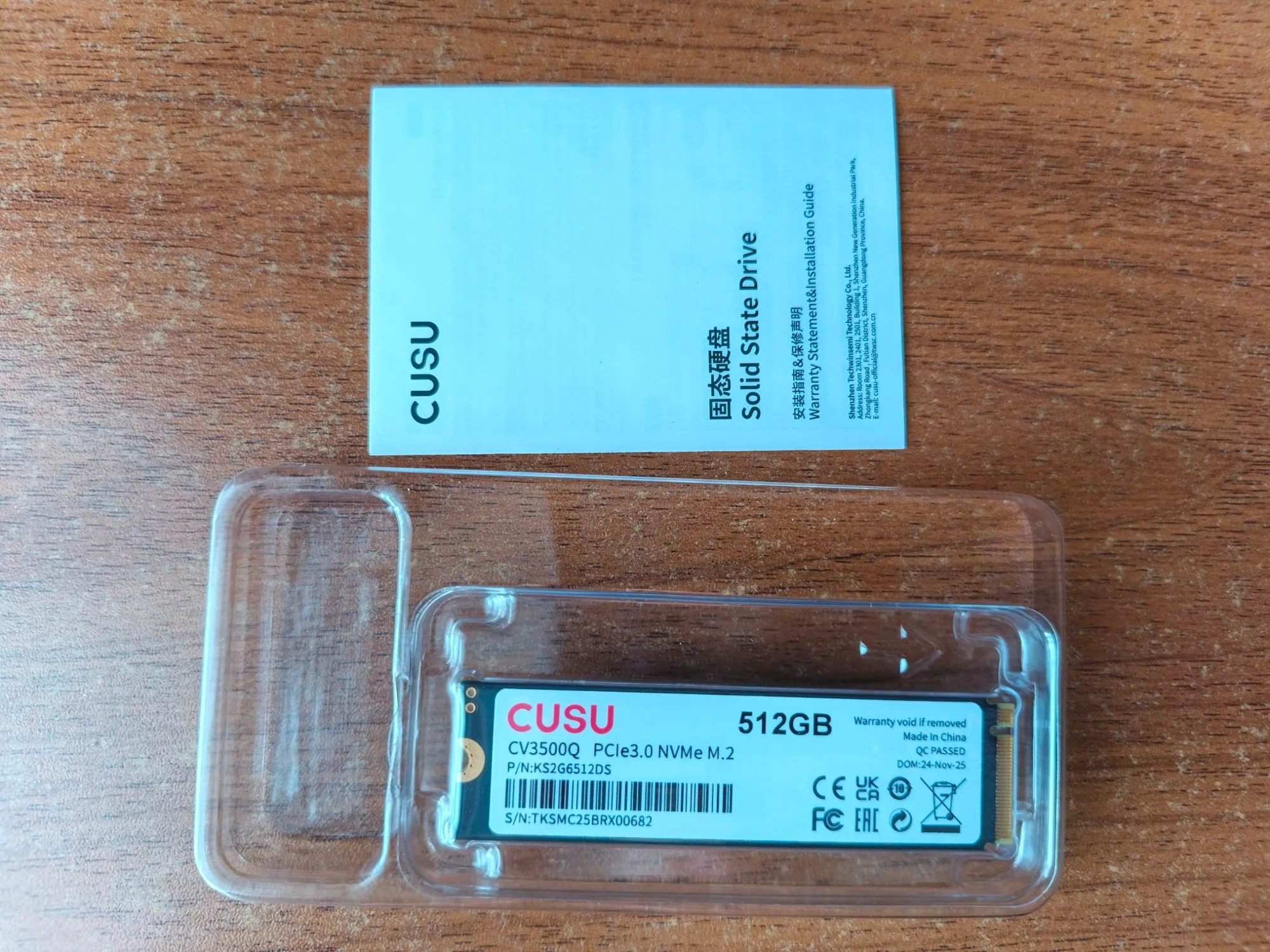
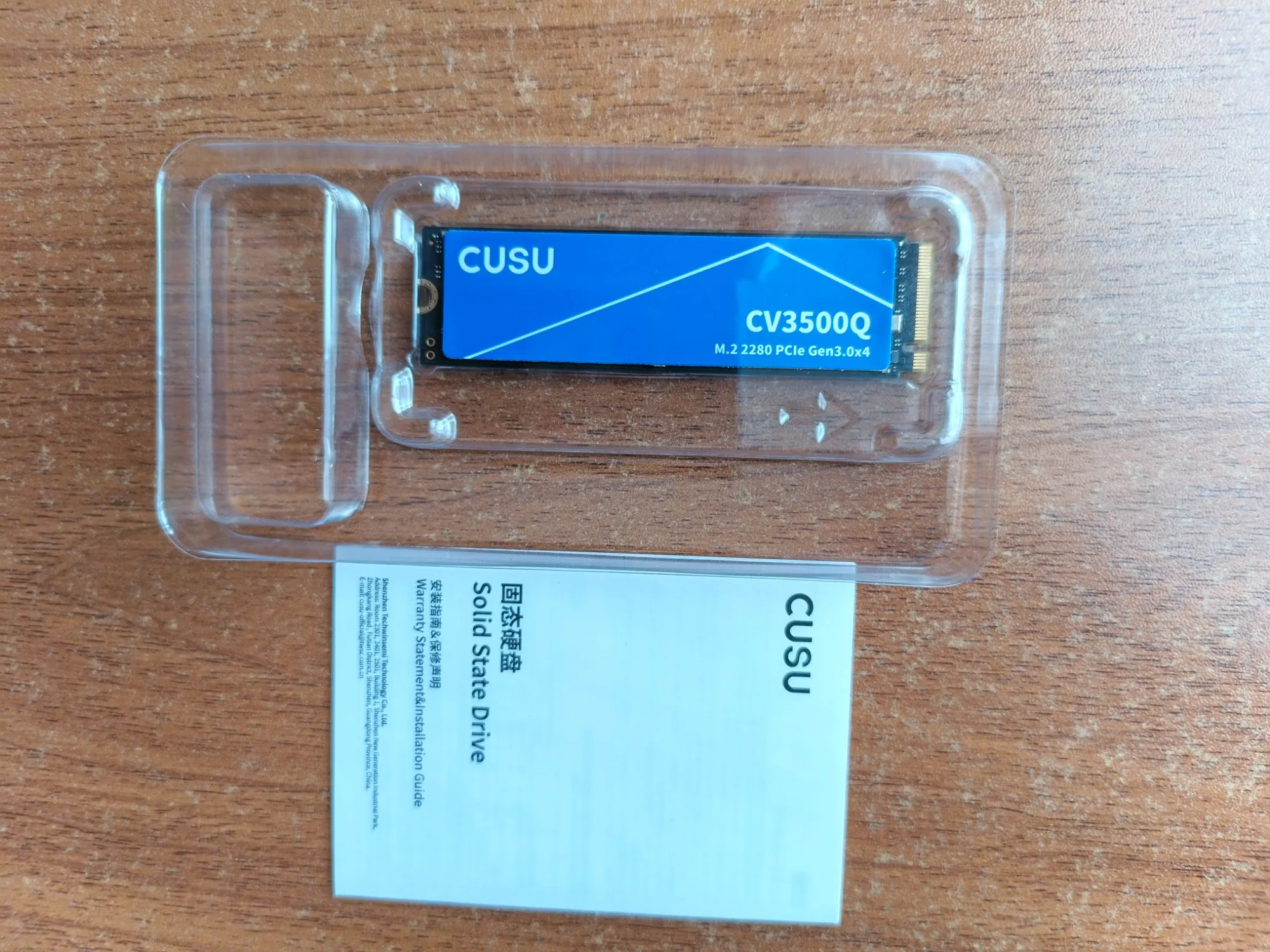
Not a bad storage device; QLC has made significant progress in recent years and can be used adequately without any major performance issues. It doesn't set speed records, but it works quickly due to a decent-sized SLC cache. I bought it to replace an old Intel QLC 1TB drive, because... llm models take up almost 0.5TB :)
Lucky me, I got a 2TB one on sale at a really good price (too bad I didn't take two right away!). ).
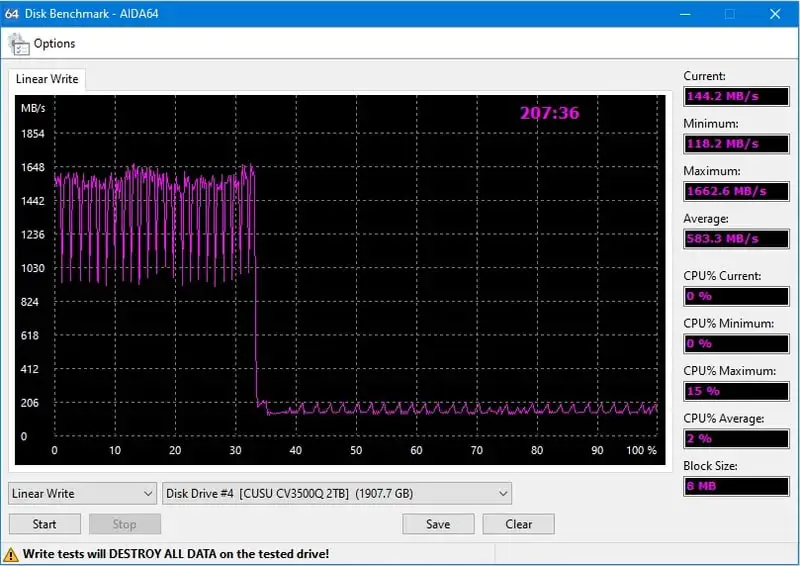
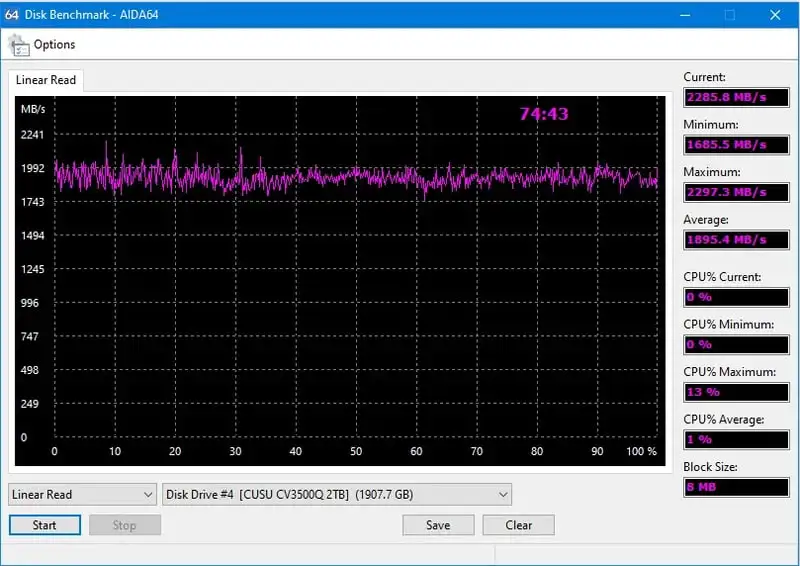
The hard drive initialized immediately, connected the volume quickly through disk management, out of 512 GB of memory, about 476 GB are available. Bought it as an additional drive for games, satisfied with the purchase. Only the delivery was delayed by two weeks, which made me very worried. It was held at customs for about 12 days, but in the end it was delivered.
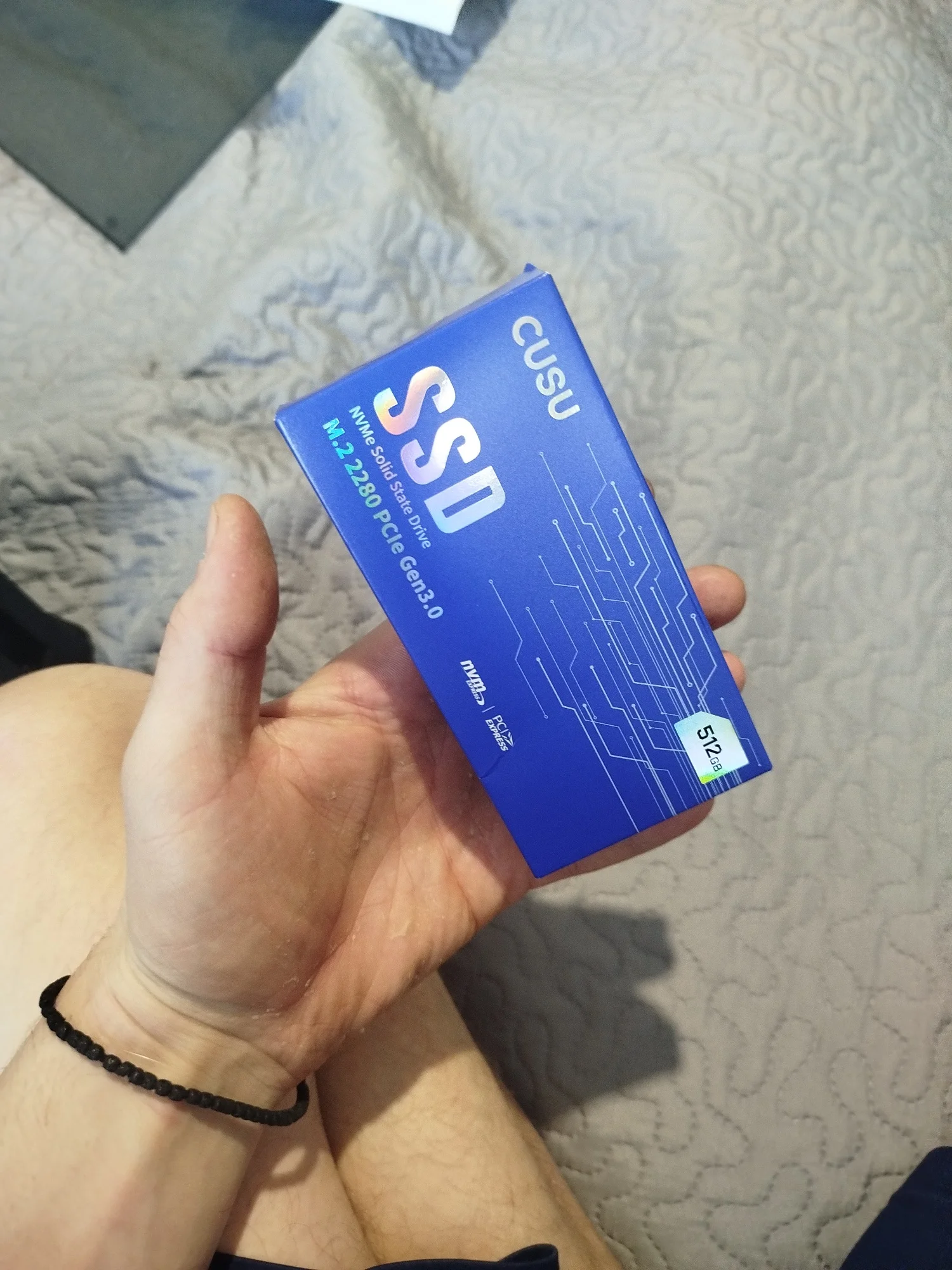
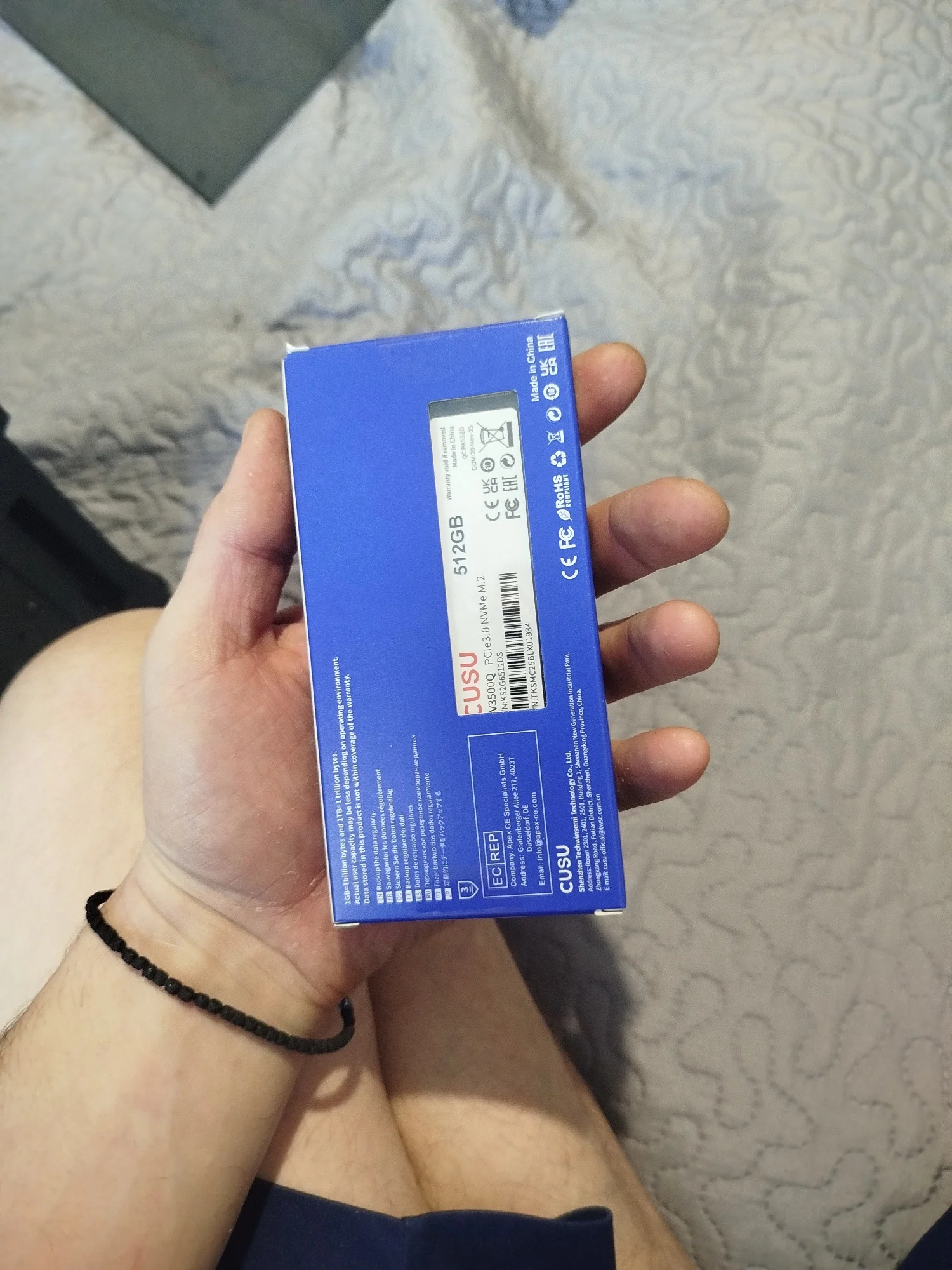
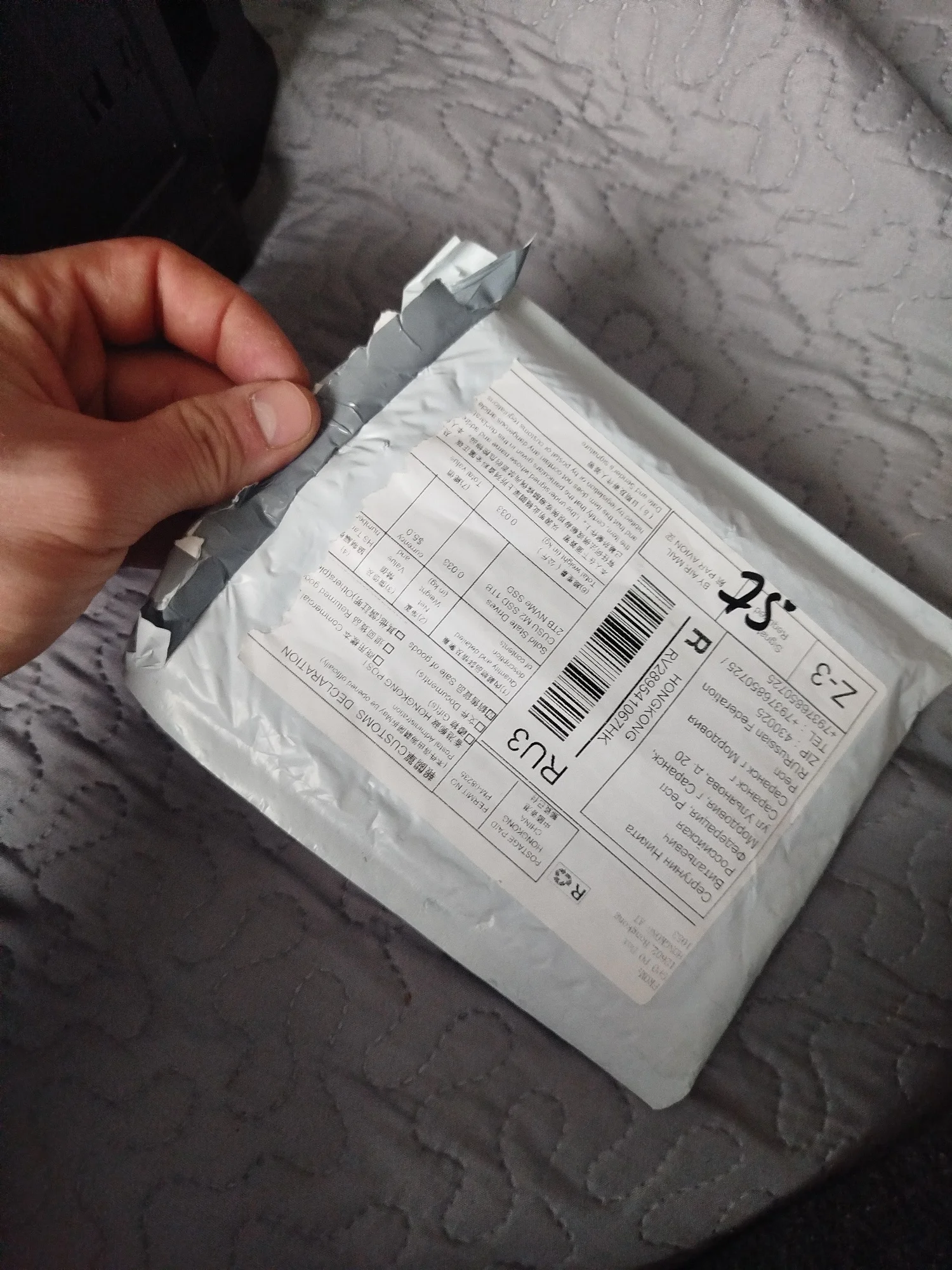
The package arrived a week earlier. Well packed, the factory seal is intact. After initialization, it worked immediately. Bought it for a D drive for toys. The speed is excellent.
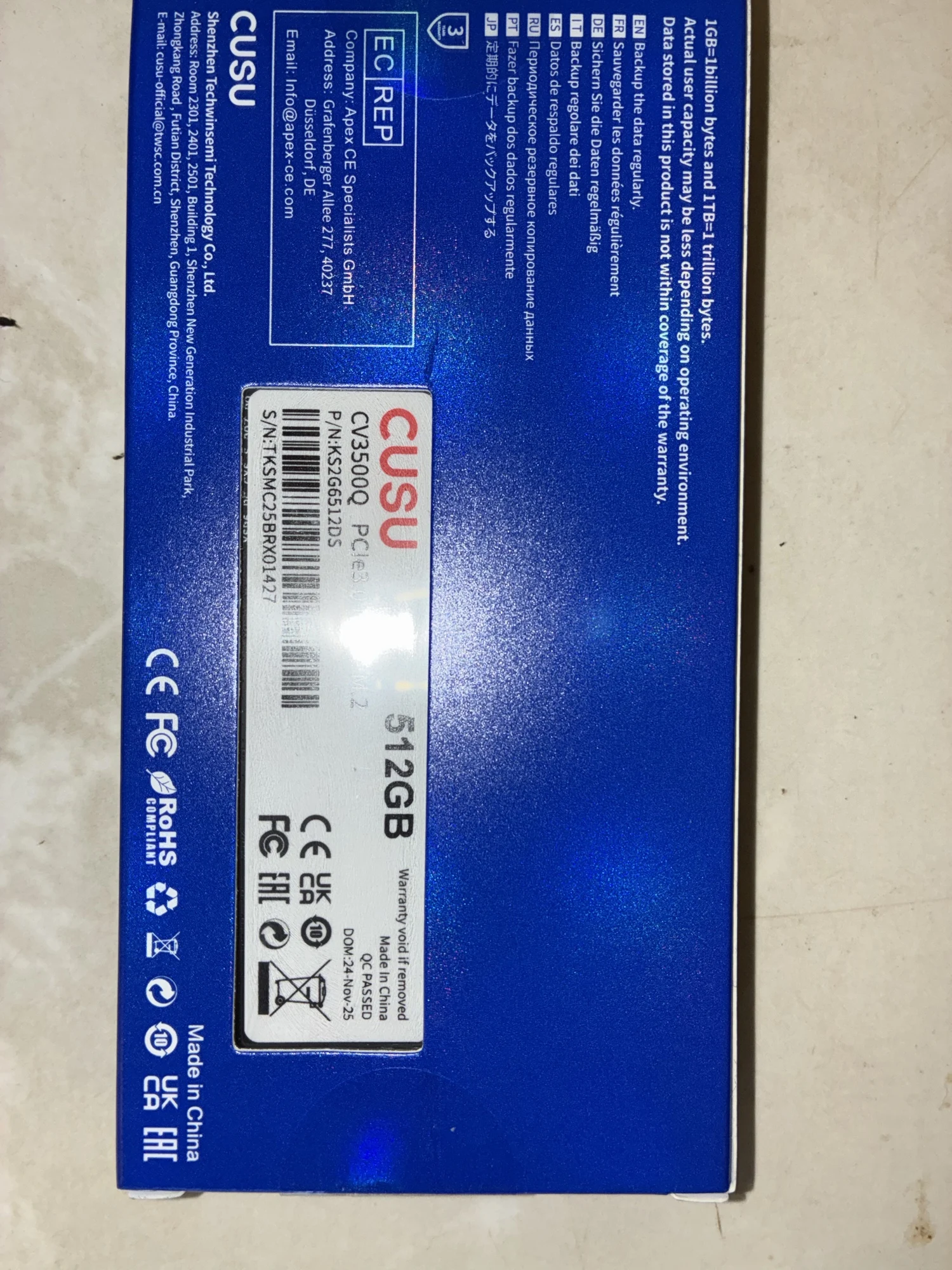
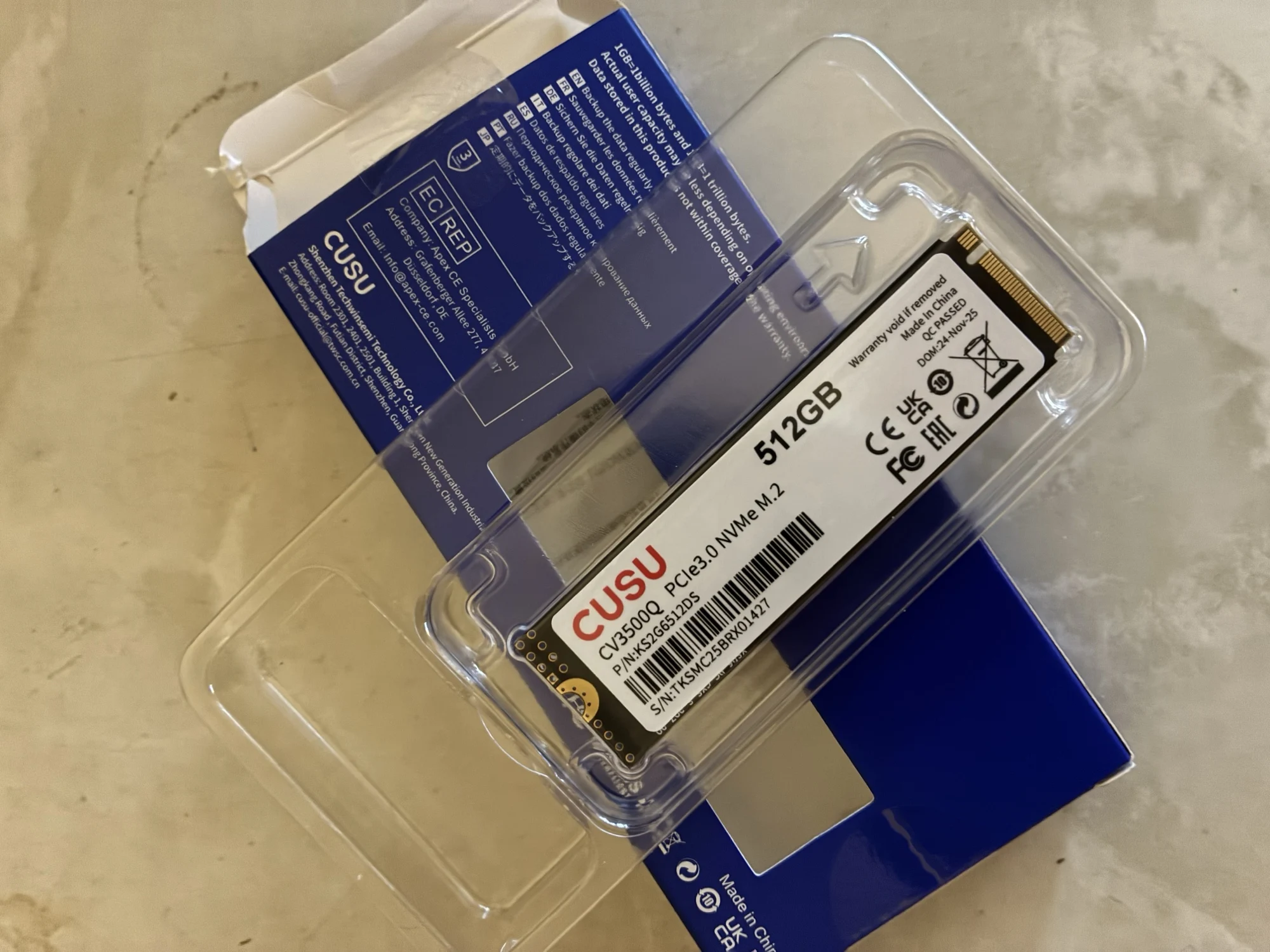
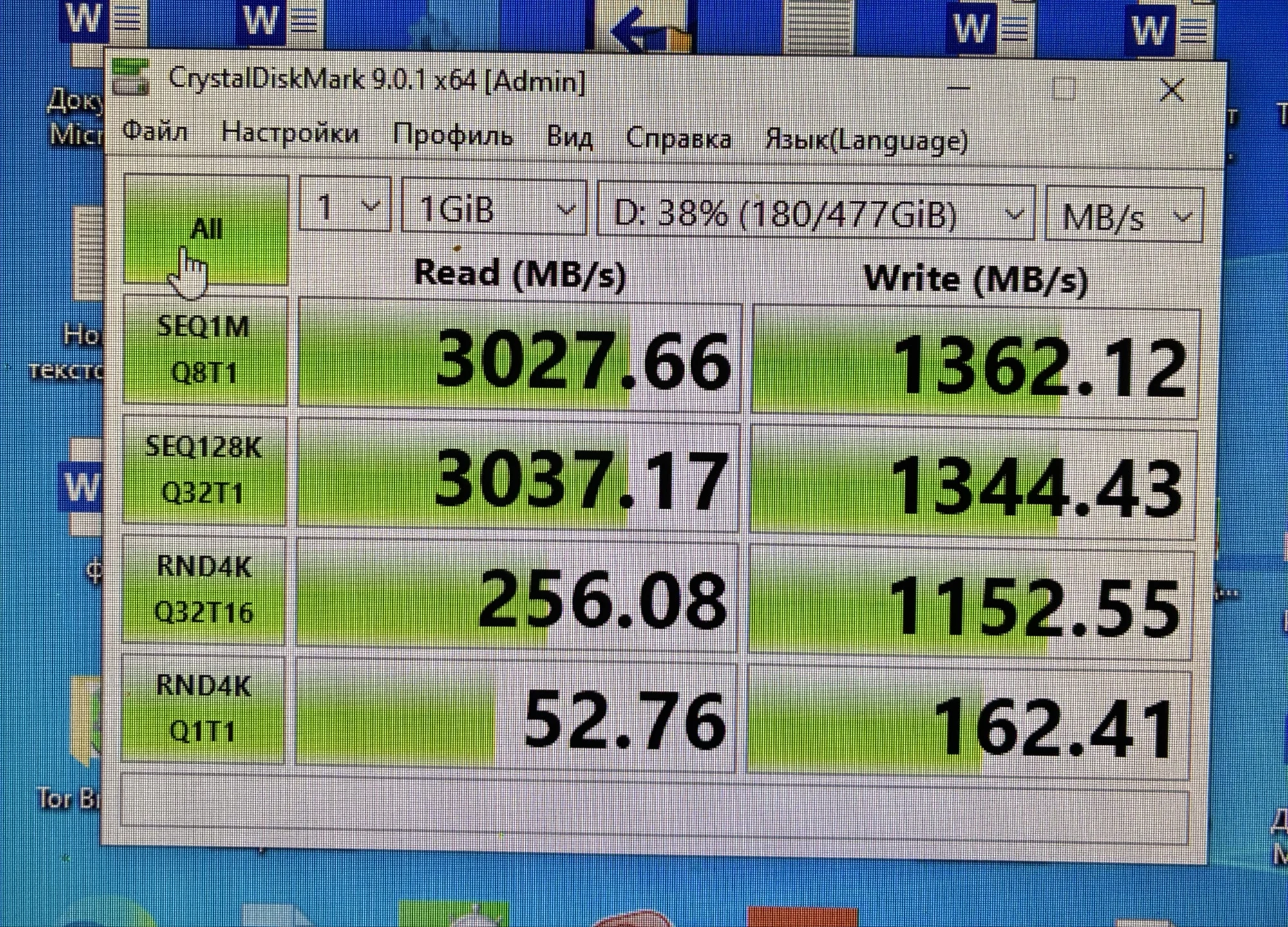
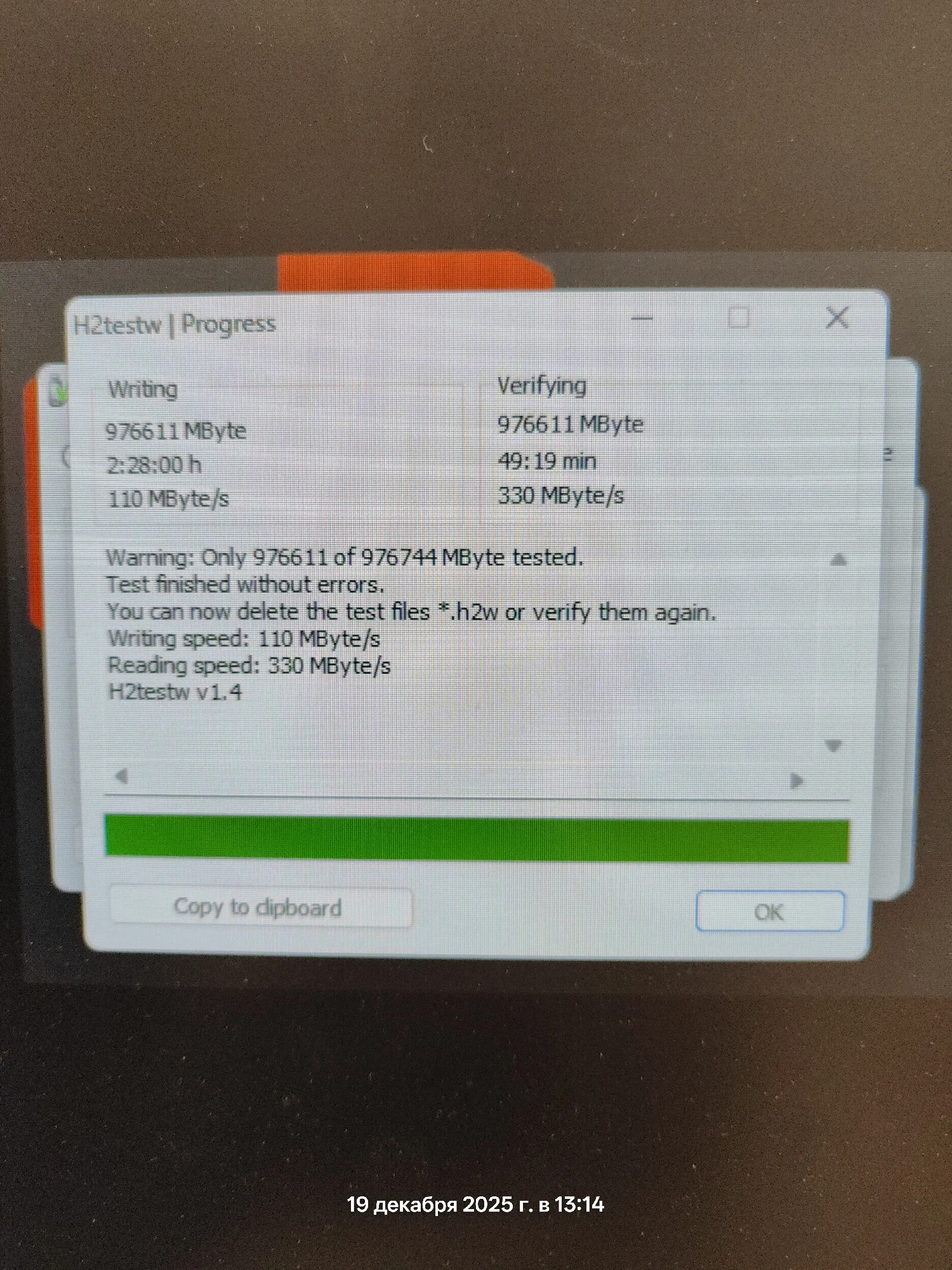
1 TB for 3200 rubles! Everything is great! The write speed was initially 350, but towards the end of the test it dropped to 110.
Everything is great. Delivery is free and fast, a couple of weeks to Rostov. I equipped it with a 5mm radiator directly on top of the sticker; the temperature doesn't rise above 36. The speed matches the stated one. With a coupon of 500 off 4000, it cost me 2800 rubles (didn't count cashback) for 1TB; you can't find such a price even for 512. I definitely recommend this seller's product.
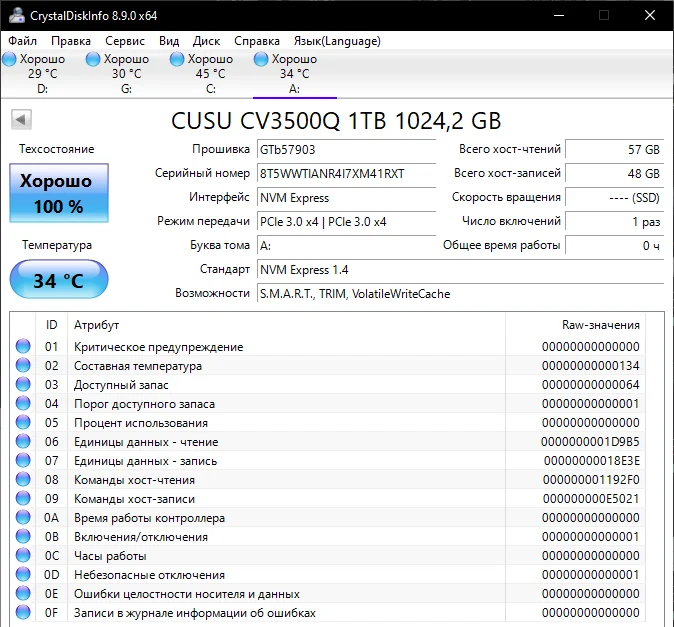
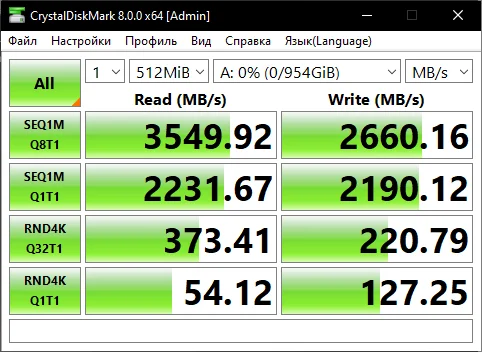
The SSD is normal, managed to grab 2TB for 6k. The stated 2TB corresponds to reality. I use it for gaming and to store temporary files.
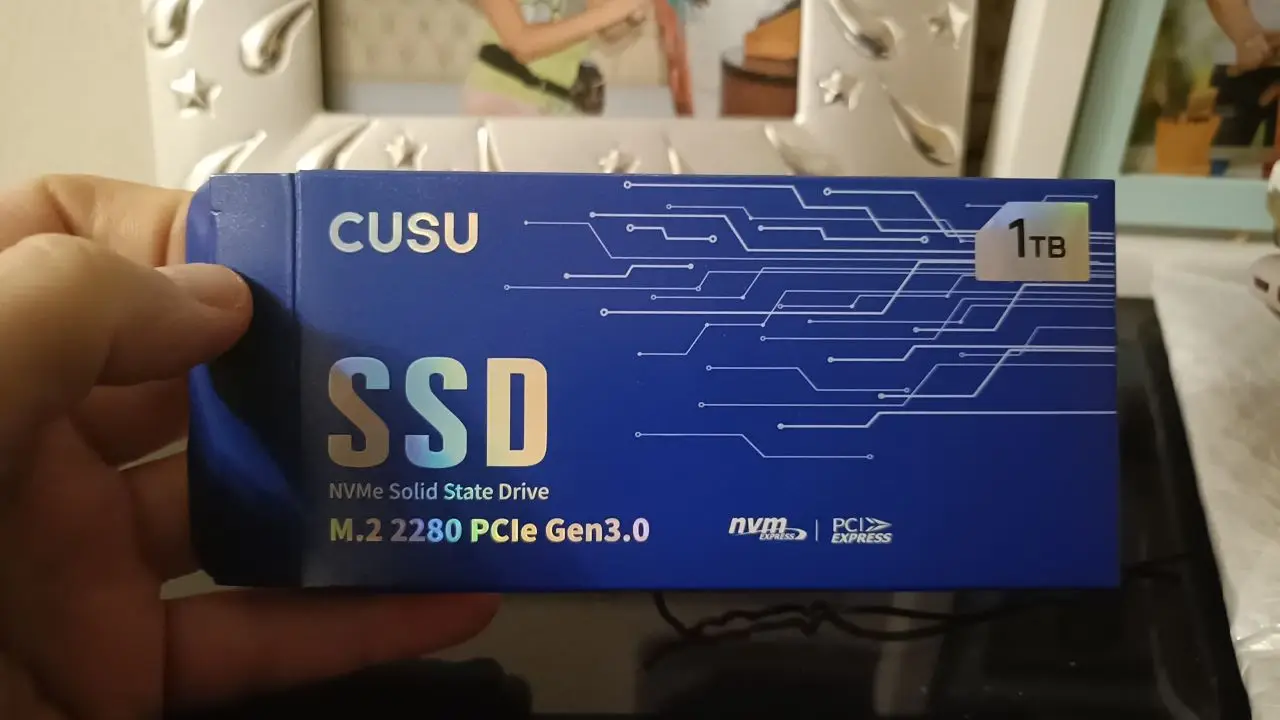
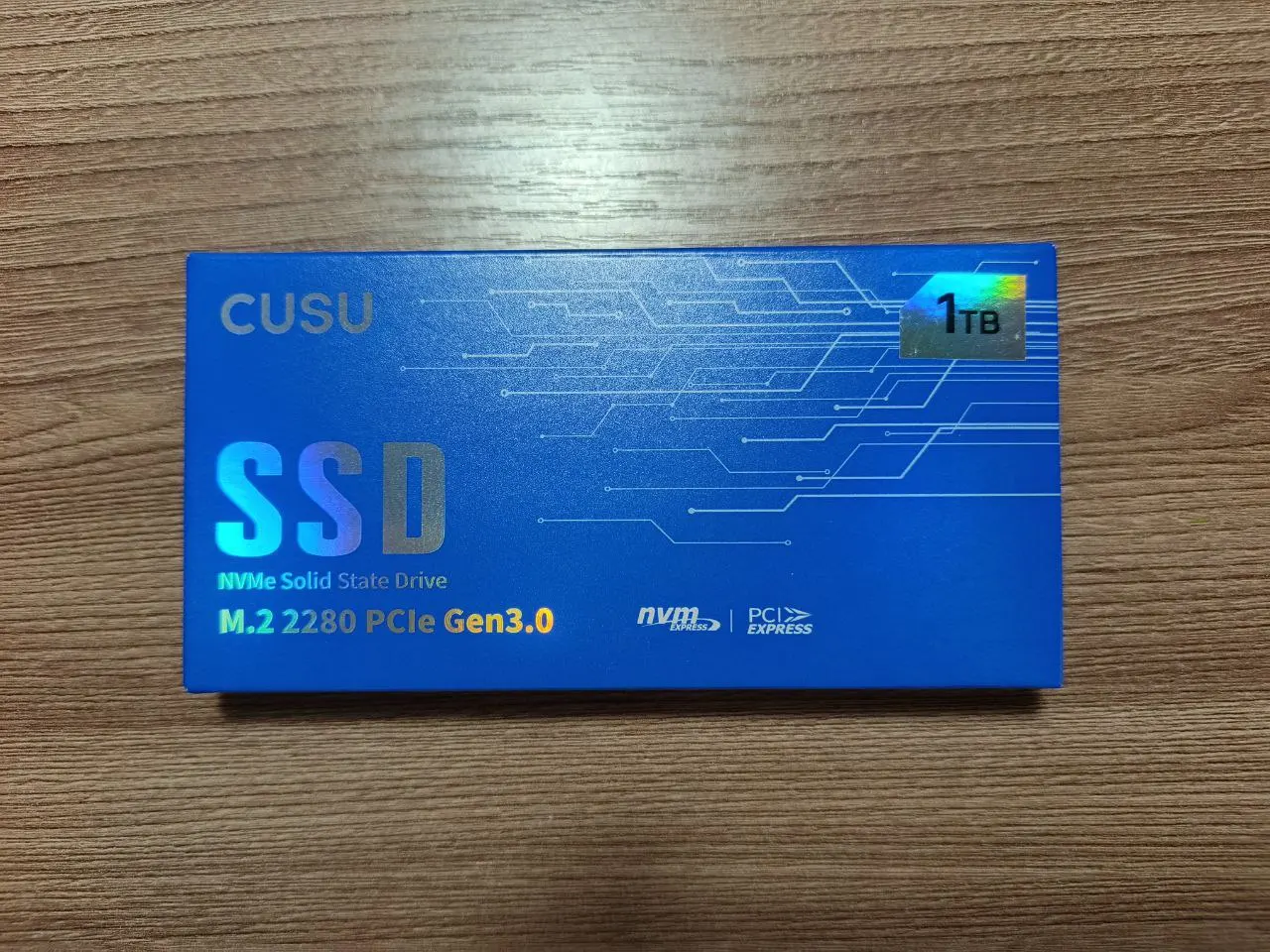
The box is beautiful.
The disc is excellent. Recognized immediately, no issues with drivers. I immediately installed Windows 11 on it, it works well.
The speed is excellent, as shown in the photo (connected via m2). It doesn't seem to heat up much.
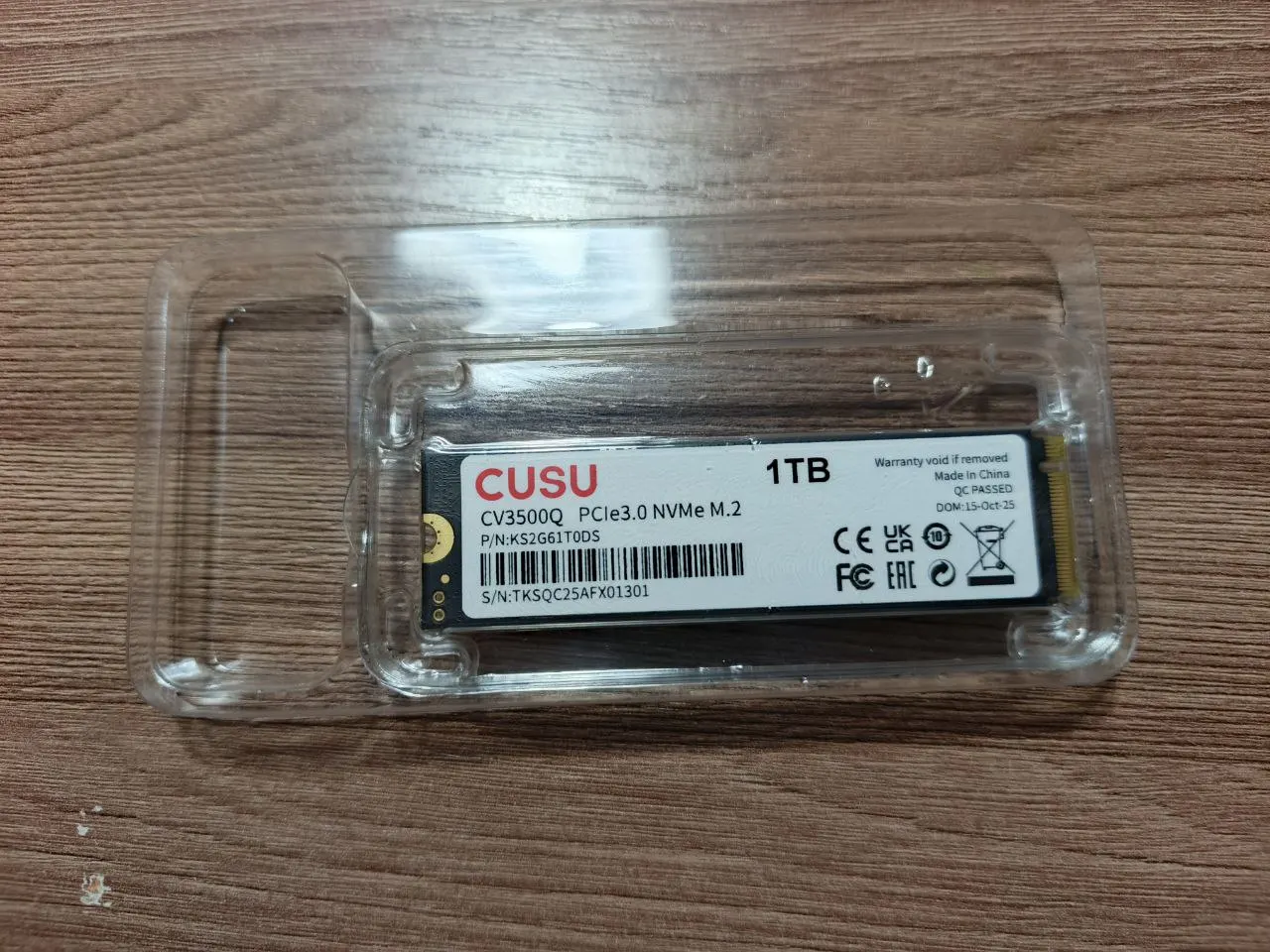
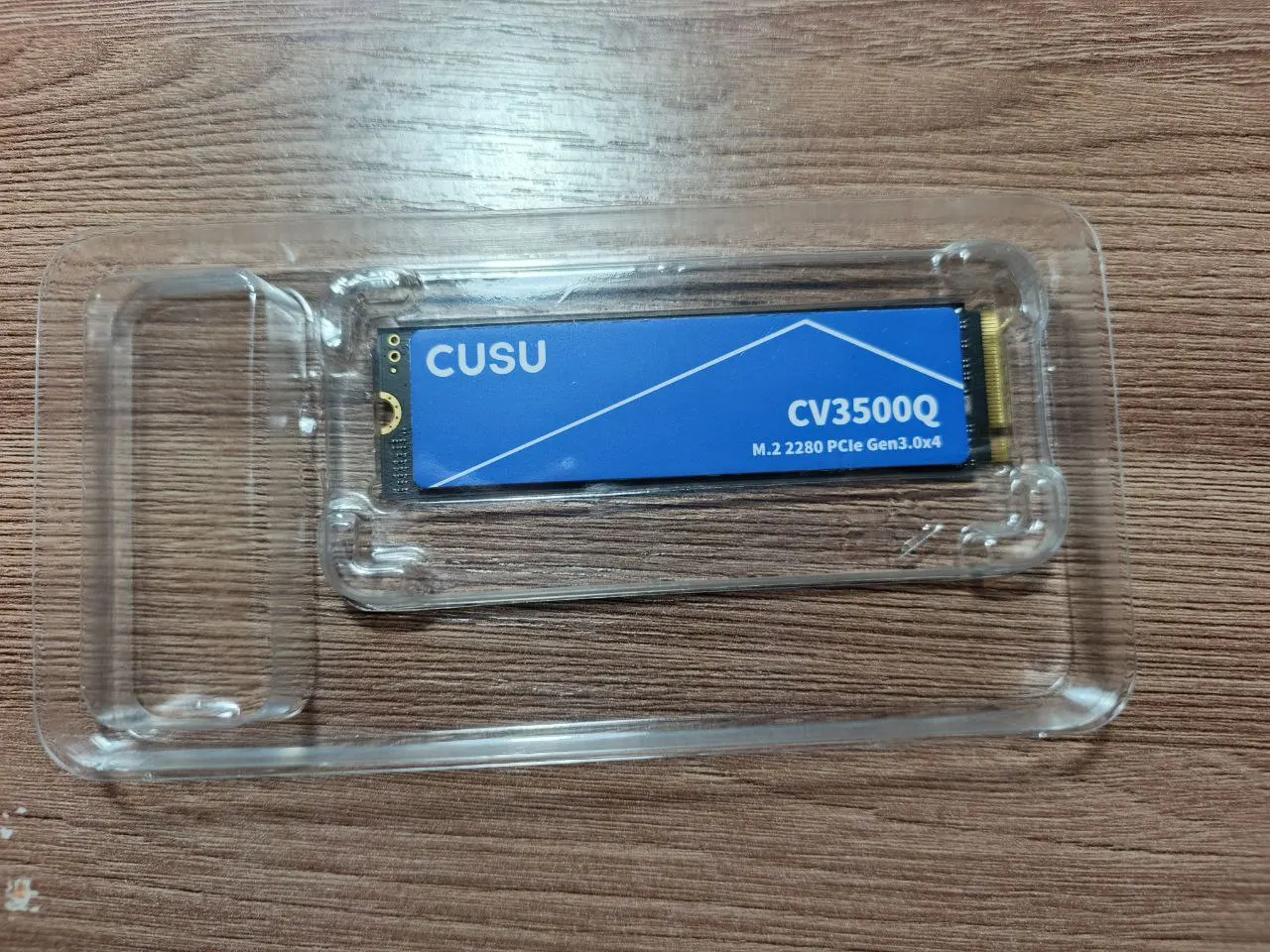
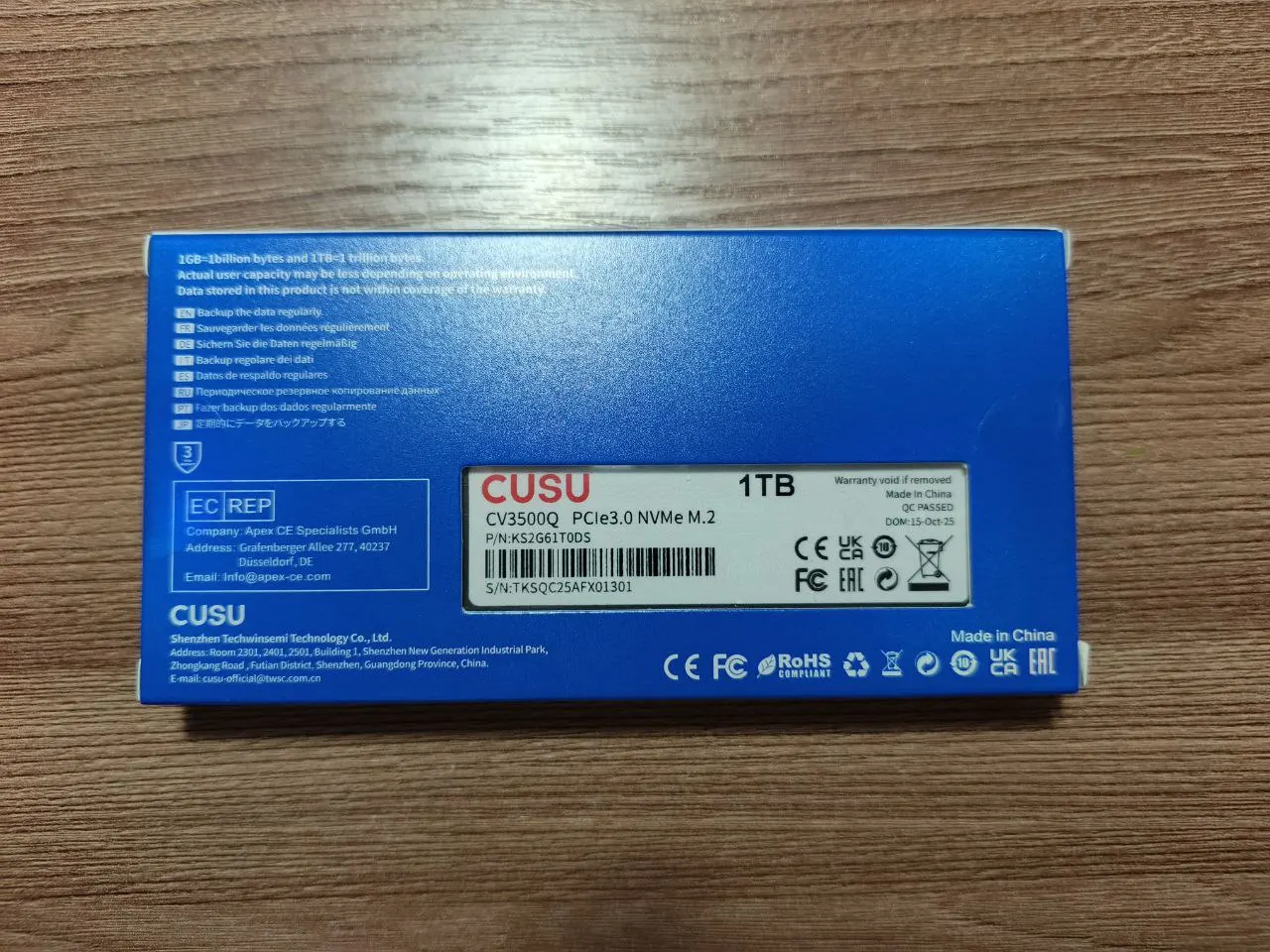
Delivery to Irkutsk region in 20 days, product matches the description. Connected via USB 3.1 to NVMe2 adapter, works. Has 22GB more than other similar drives. Bought as a backup, but for now it's for file storage. Thanks to the seller.
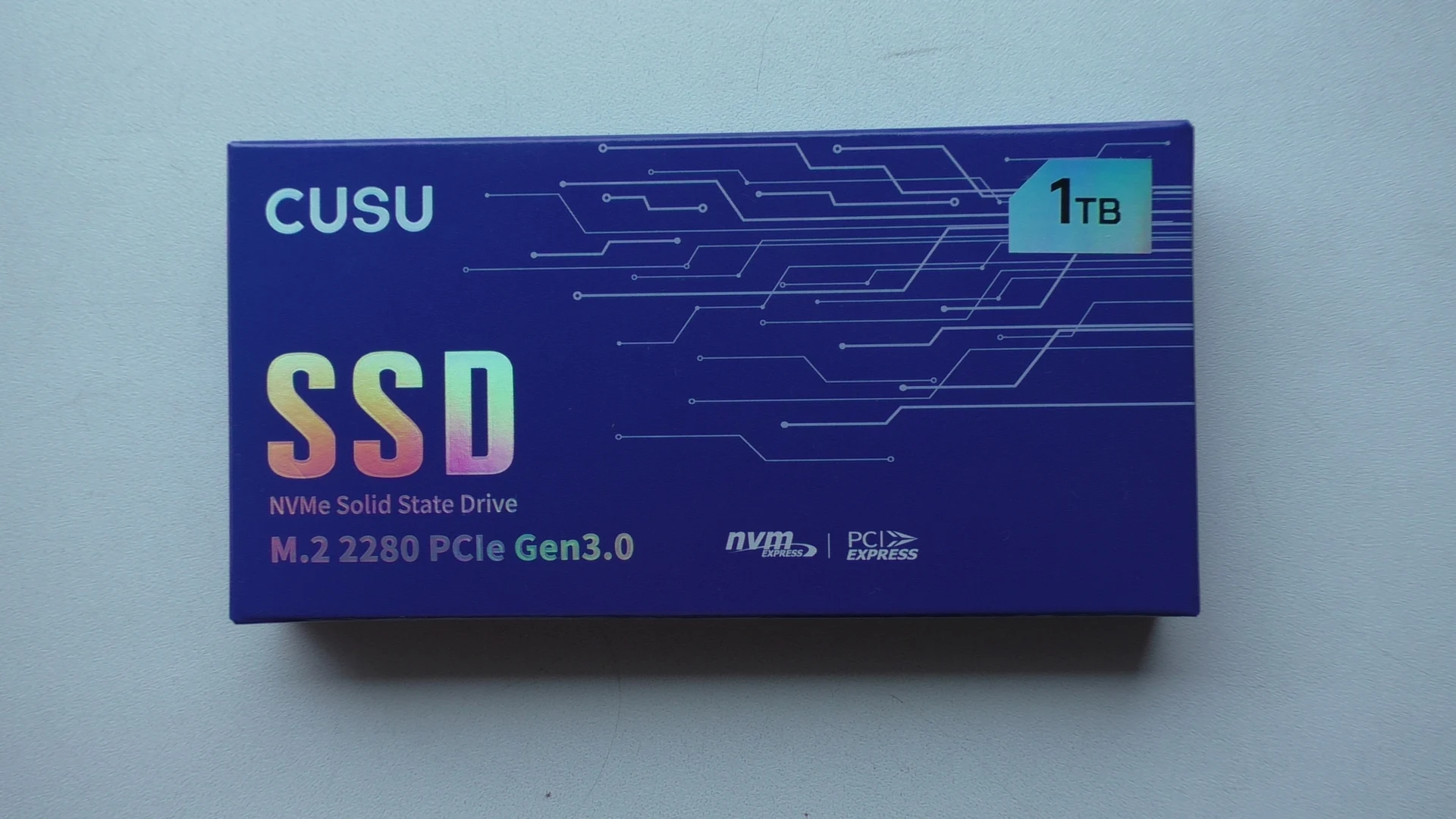
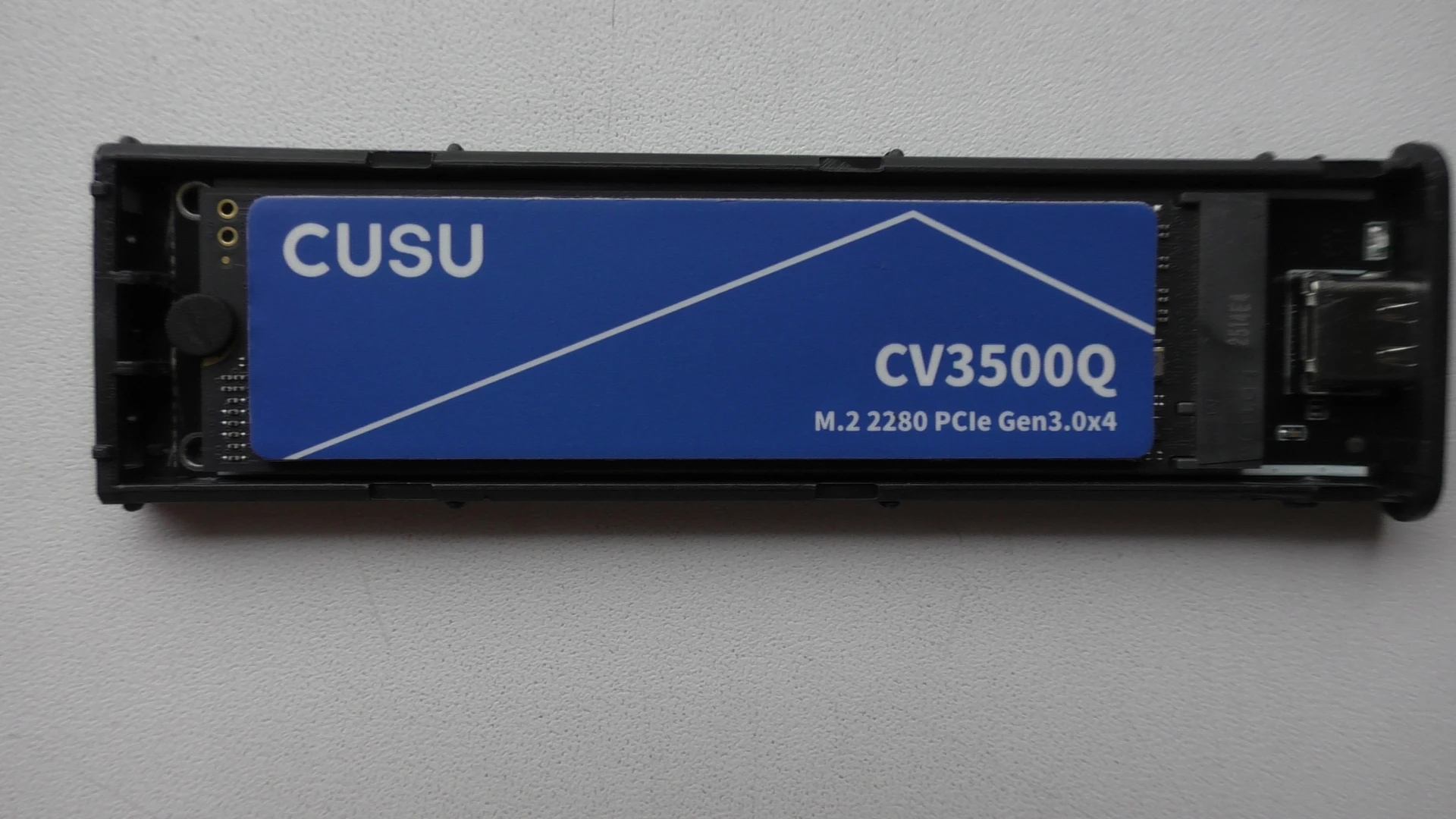
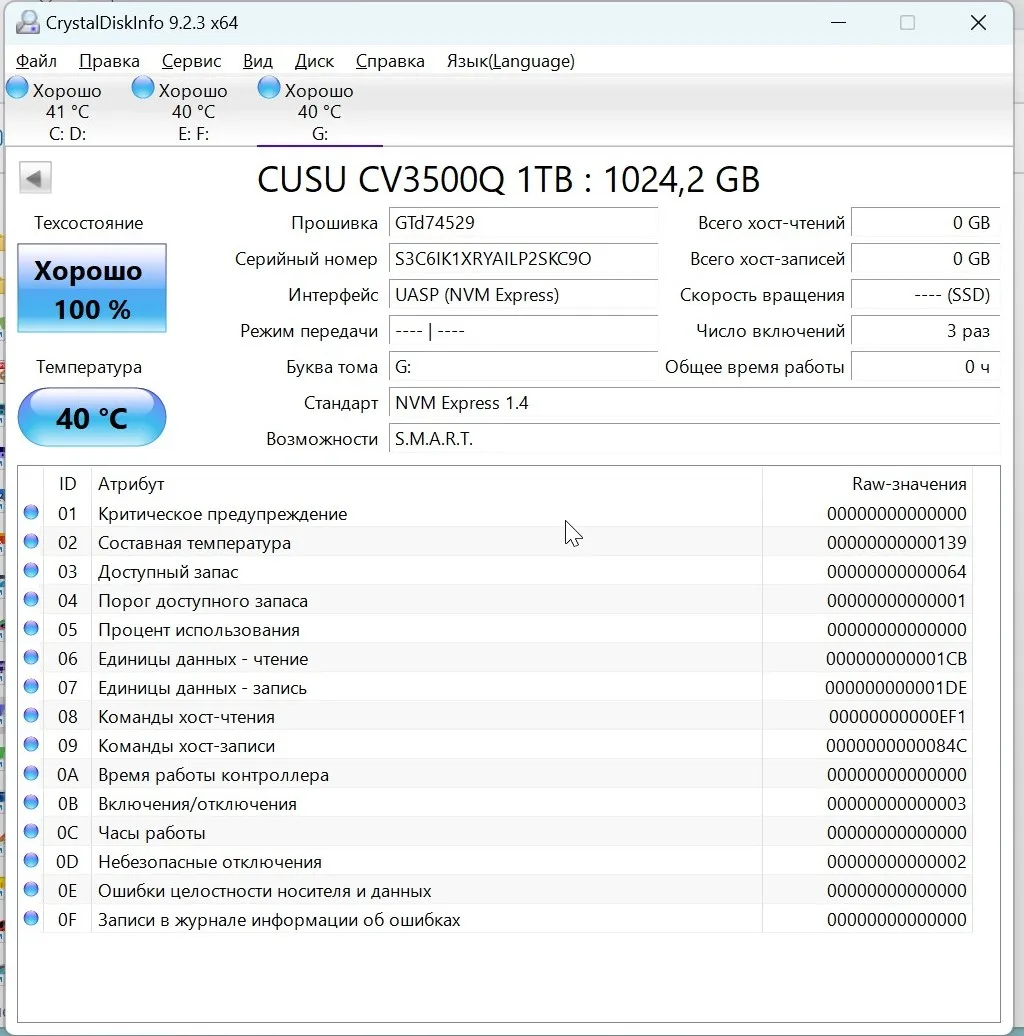
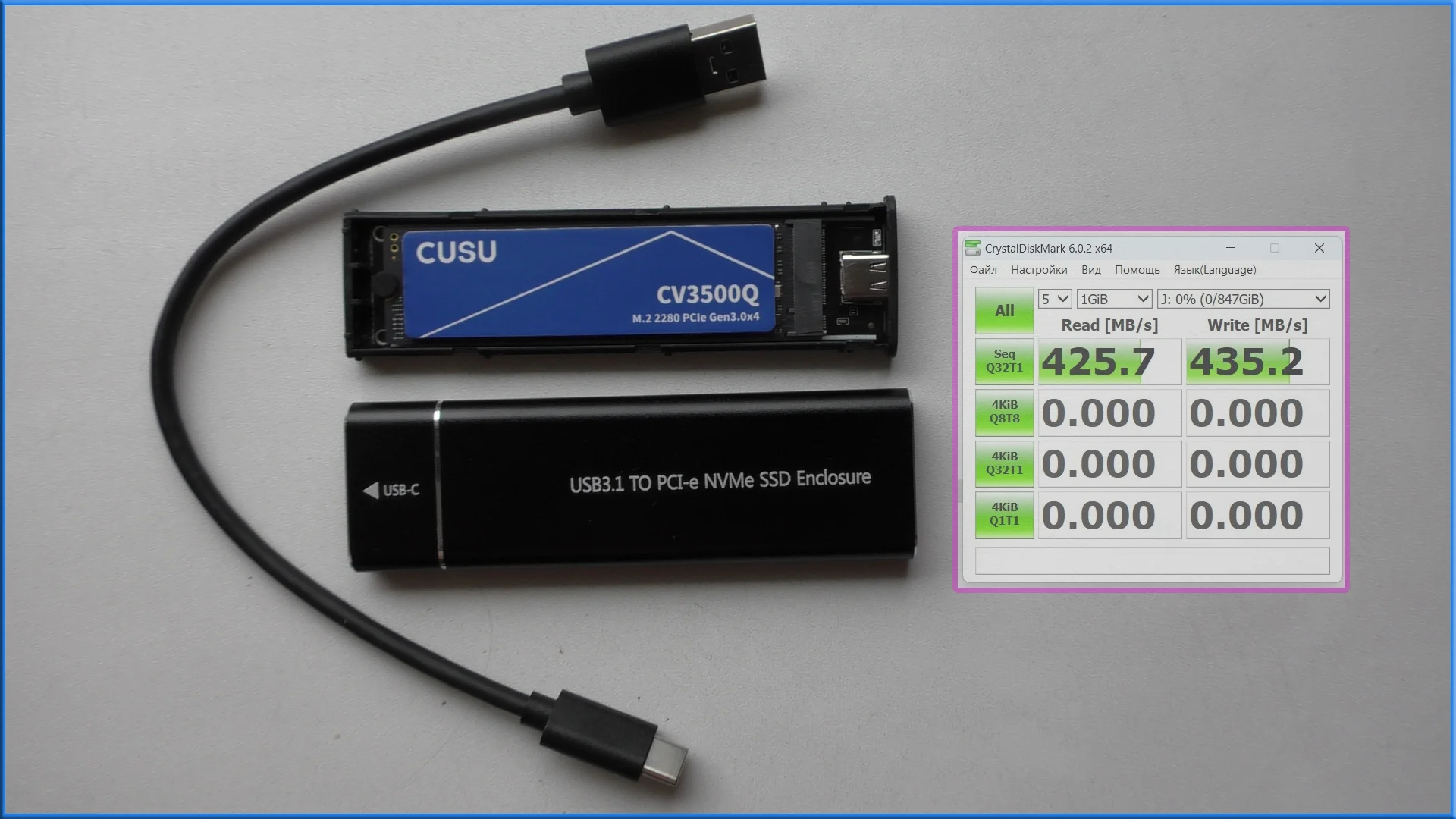
Third day of testing - everything is normal. Several full rewrite cycles have been completed - honest ~247 GB NVME, not a reflashed 4GB flash drive)) The stated speeds correspond to reality. Removed thermal paste stickers without problems - replaced with a passive radiator.
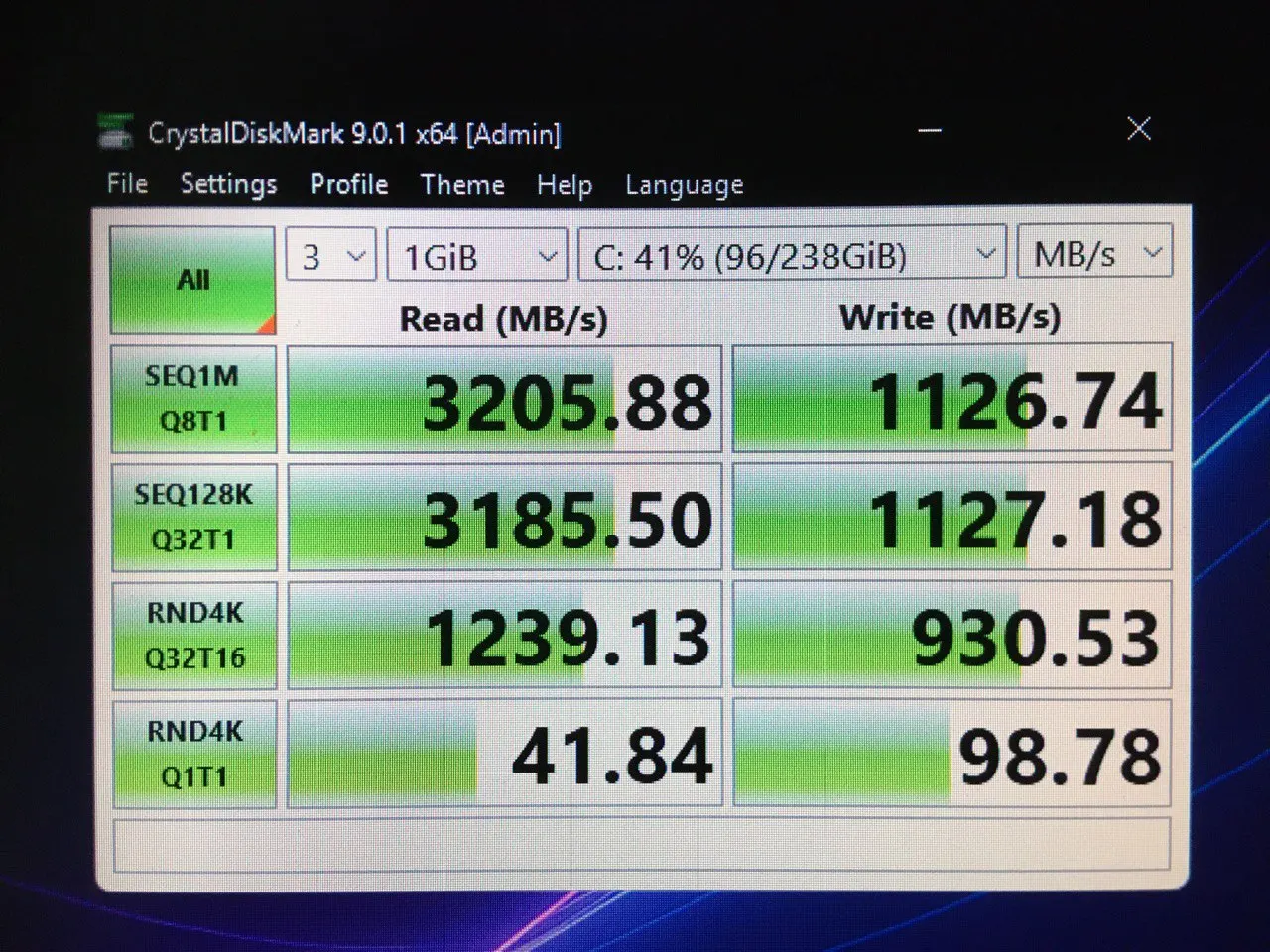
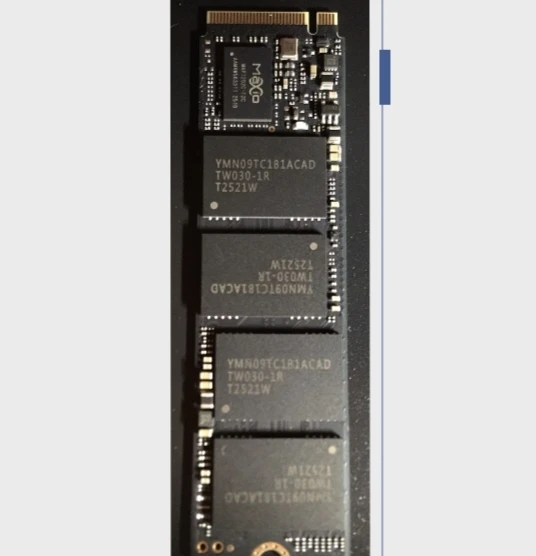
Excellent. Connected M.2 2280 PCle Gen 3.0 to JEYI M.2 PCIe to NVMe Adapter. Plugged into the small PCle connector. Speed shown on the screen.